Office Add-in Development Guide: Getting Started with Office.js
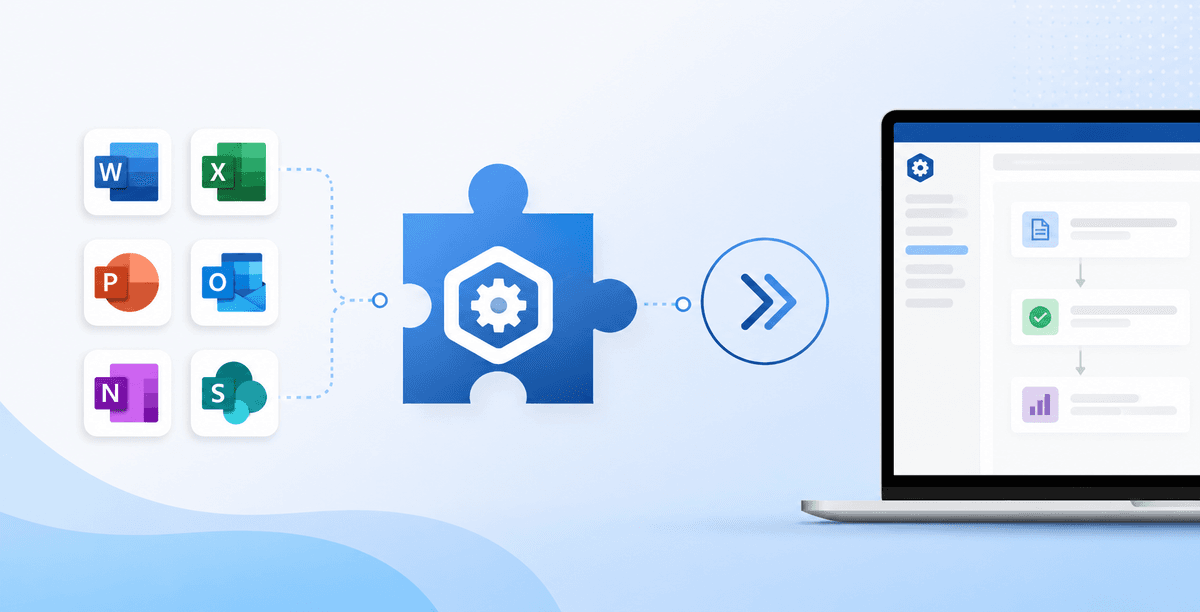
This Office add-in development guide takes you from an empty folder to a working task pane running in Excel, Word, Outlook, or PowerPoint. The path is the same for every host: scaffold a project, configure the manifest that tells Office what your add-in is and what it can touch, write UI and logic against the Office.js APIs, sideload it to test, then ship through AppSource or centralized deployment. Add-ins are web apps that run inside Office, so if you know HTML, CSS, and JavaScript, the learning curve is mostly the manifest and the host APIs. Here is the full sequence.
Step 1: Scaffold the project
The fastest start is the Yeoman generator for Office Add-ins. It sets up the project structure, a working manifest, a local dev server, and sideloading scripts in one command:
npm install -g yo generator-office
yo office
The generator asks for the host (Excel, Word, Outlook, PowerPoint), the project type (task pane is the usual starting point), and the framework — plain TypeScript, React, or Vue. Pick React if you expect any real UI; the template wires up the build for you. Run npm start and the dev server launches with the add-in sideloaded into the host.
Step 2: Understand the manifest
The manifest is the contract between your add-in and Office. It declares the add-in's identity, where its web files are hosted, which Office applications it targets, the ribbon buttons and task panes it adds, and the permissions it needs.
There are two formats. The XML manifest is the long-standing format supported everywhere. The unified JSON manifest is the newer format that lets one package target Office add-ins and Teams apps together. For a new Office-only add-in, either works; if Teams is in scope, the JSON manifest is the forward path.
The manifest decides what you can do
Permissions, entry points, and the SSO configuration all live in the manifest. Most "why won't my add-in load" problems trace back to it — a wrong URL, a missing permission, or an ID mismatch. Get it right early and the rest of the build goes smoothly.
Step 3: Build the task pane with Office.js
The task pane is your HTML/JS app. It talks to the document through Office.js, which loads from Office.onReady() — your signal that the host is ready and the API is available:
Office.onReady((info) => {
  if (info.host === Office.HostType.Excel) {
    document.getElementById("run").onclick = run;
  }
});

async function run() {
  await Excel.run(async (context) => {
    const range = context.workbook.getSelectedRange();
    range.format.fill.color = "yellow";
    await context.sync();
  });
}
Each host has its own object model — Excel.run, Word.run, PowerPoint.run, and the Outlook mailbox API — but the request-and-sync pattern is shared. You can also add ribbon commands that run a function or open the task pane, defined in the manifest and wired to your code.
Step 4: Test by sideloading across web and desktop
Sideloading installs your in-development add-in without publishing it. The generator handles this for desktop with npm start; for Office on the web you upload the manifest from the add-ins dialog. Test on more than one platform from the start, because a few APIs differ between desktop and web, and finding that out late is expensive.
Step 5: Deploy through AppSource or centralized deployment
You have two routes to users:
- AppSource — Microsoft's public marketplace. Submit through Partner Center; the add-in goes through validation against Microsoft's certification requirements before it lists. This is the path for a product you sell or distribute publicly.
- Centralized deployment — an admin pushes the add-in to specific users or the whole organization from the Microsoft 365 admin center, with no per-user install. This is the path for internal tools.
Building to AppSource standards from day one pays off either way, since the same security and manifest requirements make centralized deployment clean. Our AppSource publishing service handles the certification step if you would rather not navigate it yourself.
Common beginner mistakes
Why does my add-in show a blank task pane?
Almost always a loading error in the web app or a manifest URL that does not match where the files are served. Open the task pane's developer tools (right-click inside it) and check the console — a 404 or a script error there is the usual cause.
Do I need HTTPS to develop an add-in?
Yes. Office requires add-in content over HTTPS, even locally. The Yeoman generator installs a development certificate for localhost so this works out of the box.
Frequently asked questions
What languages do I need to build an Office add-in?
HTML, CSS, and JavaScript or TypeScript. Add-ins are web apps, so any framework that builds to those works. There is no C# or VBA requirement on the modern Office.js platform.
Can one add-in target Excel, Word, and Outlook at once?
Yes. A single add-in can target multiple hosts in its manifest and branch on info.host at runtime. Outlook differs the most because it uses the mailbox API rather than a document model, so plan that part separately.
How long does it take to build a first Office add-in?
A simple task pane add-in can be working in a day or two with the generator. A production add-in with authentication, external integrations, and AppSource certification typically runs several weeks depending on scope. Our Office add-in development services cover the full build.
Need this built for your team?
We build Office add-in development services for development teams like yours. Get a free 24-hour scoping call.
If you want a partner to design, build, and ship the add-in with you, a discovery call is the right starting point.