
How to Turn Outlook Into a CRM (And When to Build Custom)
Outlook as CRM explained: native Contacts and Categories, the best third-party Outlook CRM add-ins, and when to build a custom Outlook add-in for sales.
Read moreExpert Office.js add-ins for Excel, Outlook, Word, and Teams. Most projects ship in 2 to 8 weeks, for enterprise teams worldwide.
24-hour response · Free scoping call · NDA on request
Trusted by finance, legal, healthcare & logistics teams worldwide





Trusted by teams across industries










Custom Microsoft Office Add-ins using Office.js for Excel, Outlook, Word, PowerPoint, SharePoint, and Teams. Delivered in 2 to 8 weeks for enterprise clients worldwide.

MSOfficeAddin builds custom Microsoft Office add-ins for Excel, Outlook, Word, PowerPoint, SharePoint, and Teams using Office.js and the Microsoft 365 platform. From CRM-integrated Outlook add-in workflows to financial-automation Excel tools, our certified developers deliver AppSource-ready, cross-platform solutions for enterprise teams across the US, UK, and Australia.
Connect your Office add-ins to SAP, Salesforce, Power BI, AI models, REST APIs, and enterprise systems. We build the integration layer so your data flows where your team already works.

We build the authentication layer for Office add-ins, including Microsoft SSO, OAuth 2.0, Azure AD app registration, and multi-tenant identity. Your users sign in once and the add-in handles everything else.

We provide end-to-end Microsoft AppSource submission and certification support, from manifest preparation through reviewer communication and resubmission. We publish your Office add-in to the Microsoft marketplace so enterprise IT admins can deploy it across their organization.
MSOfficeAddin specializes in excel add-in development using Office.js, React, and TypeScript, building production-grade Excel extensions, data analysis tools in Excel, and automation add-ins for enterprise teams worldwide. From custom excel ribbon customization that puts your most-used business logic one click away, to API-connected task panes that pull live figures from your ERP without leaving the spreadsheet, every solution is cross-platform, AppSource-certified, and built to scale.
MSOfficeAddin builds custom outlook add-ins using Office.js, React, and TypeScript, from crm for outlook integrations that sync every customer interaction directly from the inbox, to email automation workflows and calendar add-ins that connect Microsoft 365 to your business systems. Whether you need a CRM connector, a support ticketing tool, a Teams-bridging solution, or a cross-platform enterprise deployment, we scope, build, and AppSource-certify it.
Custom PowerPoint add-in development for slide automation, branded presentation generation, and design system integration. We build AppSource-ready Office.js PowerPoint add-ins for enterprise consulting, sales, and marketing teams.

Custom Gmail, Sheets, Docs, and Drive add-ons built with Apps Script. Automate workflows across your entire Workspace environment.
250+ Office Add-in projects delivered since 2021. 98% client satisfaction. AppSource-certified publisher. Microsoft Partner Network member. Office.js and Azure specialists with 5+ years of Microsoft 365 development experience.
Learn more about our team and how we work →
Simple task-pane add-ins ship in 2–3 weeks. Complex Graph-integrated solutions ship in 6–10 weeks. Every project includes a delivery milestone schedule.
Azure AD / Microsoft Entra ID SSO, MSAL.js On-Behalf-Of (OBO) flow, and Microsoft Graph security scopes implemented on every enterprise project.
Office.js specialists with 5+ years building AppSource-certified add-ins. We have completed 50+ VSTO-to-Office.js migrations for enterprise clients.
Our Work
Real Office.js projects, from published AppSource add-ins to custom enterprise tools. Here's a look at what we build.
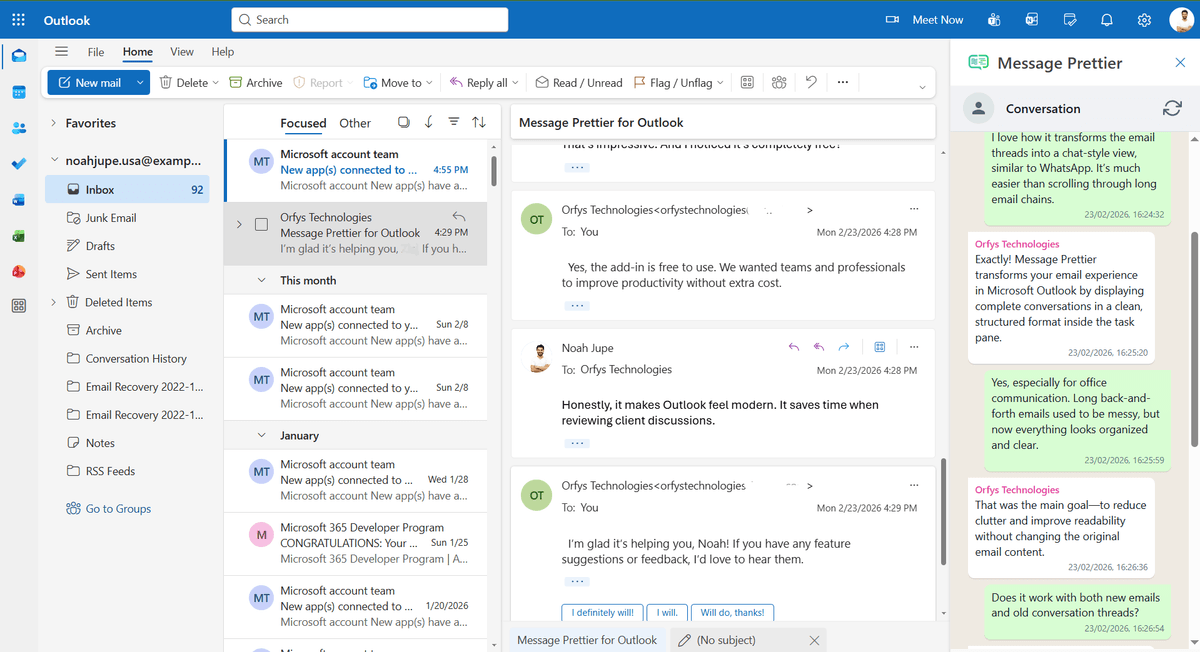
Our published Outlook plugin that turns cluttered email threads into a clean, chat-style conversation view, free to install on Microsoft AppSource.
Read case study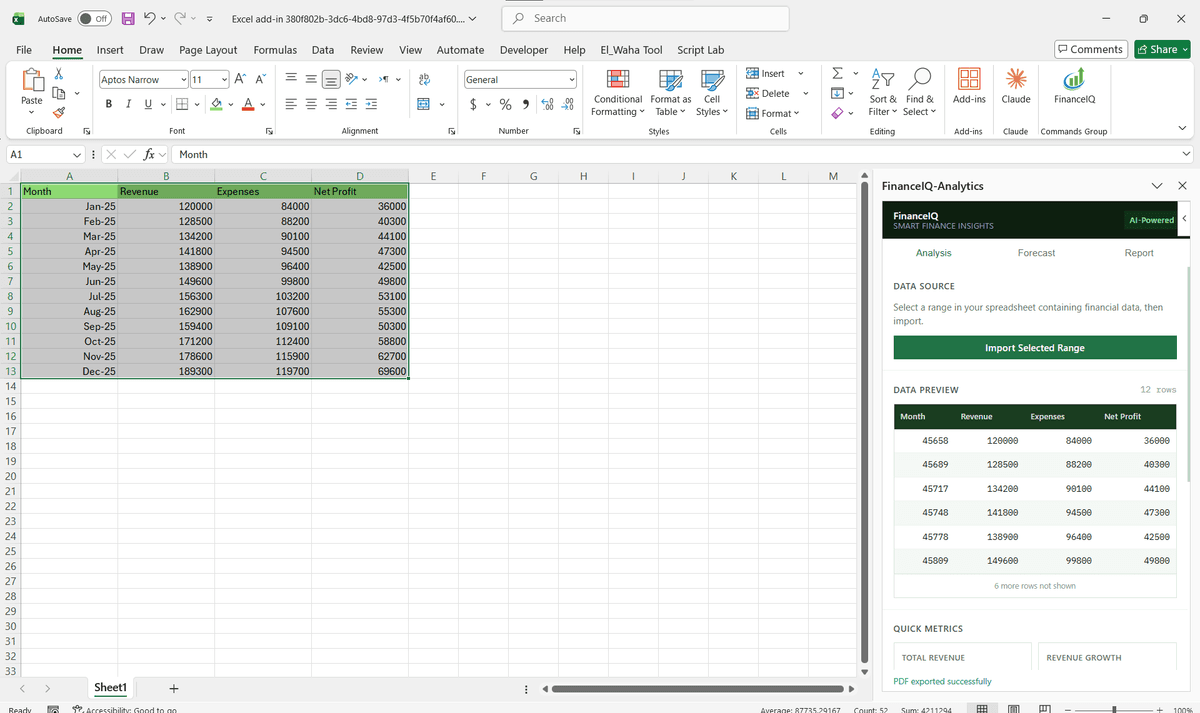
AI-style financial analysis, forecasting, and one-click reporting inside Excel, bringing decision-ready data analysis tools in Excel into a single task pane.
Read case studyJoin 100+ businesses who trust us with their critical Office automation and enterprise add-in development.
A structured, compliant, and performance-focused development lifecycle aligned with Microsoft AppSource standards.
Gathering stakeholder requirements and defining scope against Office JS API capabilities.
Designing Task Pane interfaces using Fluent UI components for a native Microsoft experience.
Iterative coding of manifests and web logic with real-time Office sideloading tests.
Rigorous bug identification and validation against Microsoft security standards.
Global rollout via AppSource or centralized tenant deployment via M365 Admin Center.
Ongoing monitoring and compatibility updates for new Microsoft 365 releases.
Outlook as CRM explained: native Contacts and Categories, the best third-party Outlook CRM add-ins, and when to build a custom Outlook add-in for sales.
Read more
Power BI PowerPoint add-in explained: install the official add-in, embed live dashboards in slides, and when to build a custom add-in for enterprise needs.
Read more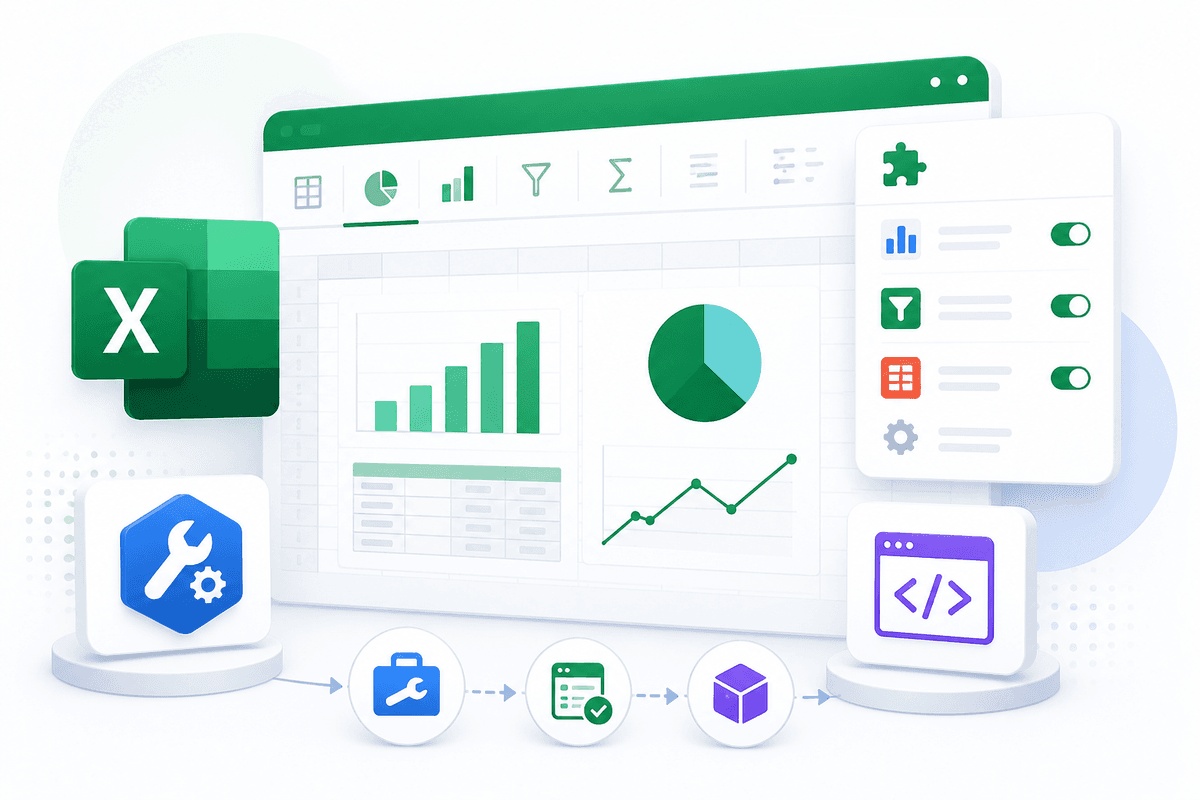
Data analysis tools in Excel explained: enable the built-in Analysis ToolPak, install add-ins from AppSource, and know when to build a custom Excel add-in.
Read more
Office Scripts vs VBA compared: platform support, security, AI, sharing, and developer sourcing. A practical 2026 guide to your Excel automation decision.
Read moreWork with certified Microsoft developers to bridge the gap between your unique data and the tools your team uses every day.
Browse our ready-made Office add-in products in the store →
Quick Contact
info@msofficeaddin.comHave a project in mind? We're here to help.
info@msofficeaddin.com
Response within 24 hours
Book a technical discovery call
Working with clients across North America, Europe, and Asia.