SAP Integration for Excel and Outlook Add-ins
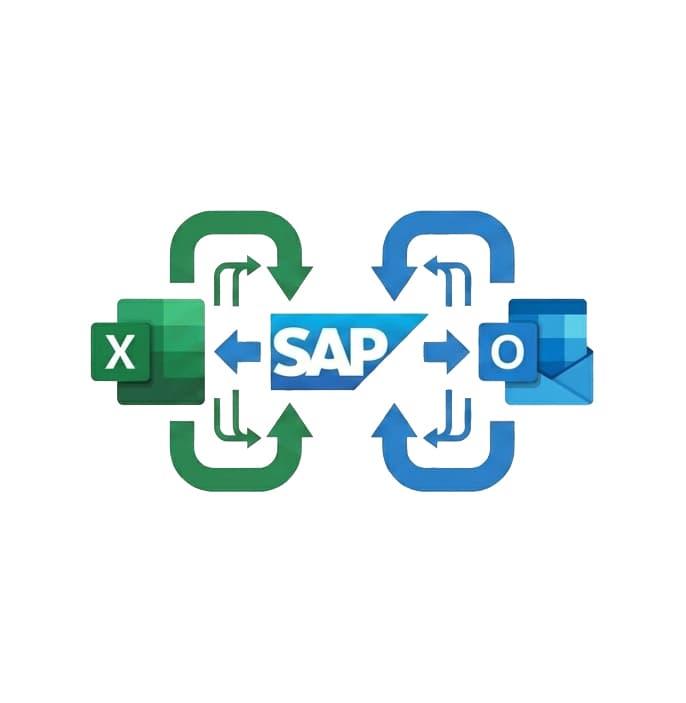
Pull SAP data into Excel or surface SAP records inside Outlook without switching systems. We build Office add-ins that connect directly to SAP via RFC, OData, or REST APIs.
Integration at a Glance
250+ Projects
delivered across integration builds
7 Integration Types
SAP, AI, CRM, Power BI and more
5+ Years
building Office add-in integrations
Free Discovery Call
to scope your integration project
What We Build Into Your SAP Integration
SAP OData Integration
We connect Excel and Outlook add-ins to SAP Gateway OData services, the standard integration path for SAP S/4HANA and Fiori landscapes.
RFC Function Module Access
For SAP ECC environments without Gateway, we integrate via RFC function modules exposed through an intermediate layer your basis team controls.
SAP Business One Support
We connect Office add-ins to SAP Business One via the Service Layer REST API, covering sales orders, inventory, financials, and master data.
Bi-Directional Data Flow
Read SAP data into Excel and write updates back: create purchase orders, update inventory, or post journal entries from inside your spreadsheet.
Secure SAP Authentication
We implement SAP-compatible authentication including Basic auth over HTTPS, OAuth via SAP BTP, and SSO aligned with your SAP security policy.
Field Mapping & Transformation
SAP field names and data types rarely match what Excel expects. We map, convert, and format data so your team sees clean, usable output.
How the Integration Project Works
- 1
SAP Landscape Review
We confirm your SAP version, available integration methods (OData, RFC, Service Layer), and what your basis team needs to expose before development starts.
- 2
Auth & Connection Setup
We implement SAP-compatible authentication and establish a stable connection between the Office add-in and your SAP system, tested against your actual environment.
- 3
Data Mapping
We map SAP field names, data types, and structures to what Excel or Outlook expects, converting SAP date formats, currency fields, and nested objects into clean output.
- 4
Add-in Build & Testing
We build the Office.js add-in and test against your SAP dev and QA environments, covering read and write operations and all relevant error states.
- 5
Deployment & Basis Handover
We deploy via Microsoft Admin Center and provide your basis team with full documentation of the SAP-side configuration required to maintain the integration.
Our Tech Stack
The frameworks, cloud platforms, and AI models we build Office add-ins and integrations on.



















Industry-Specific Solutions
We tailor our Microsoft development expertise to meet the unique compliance and workflow requirements of your sector.

Manufacturing
We connect Excel to SAP production and inventory modules so plant teams plan against live ERP data.
Manufacturing
We surface SAP stock, delivery, and procurement records inside Office for faster supply decisions.

Finance & Banking
We pull SAP financial and controlling data into Excel for reporting without manual exports.

Professional Services & Consulting
We connect SAP project and billing modules so consultants track engagements inside Microsoft 365.
Featured Solutions & Interfaces
The seven-figure ERP and the spreadsheets that survived it
Eighteen months after their S/4HANA go-live, buyers at a building materials manufacturer still made every real decision in exported spreadsheets. The migration had cost seven figures; the Fiori apps were used for looking things up, then everything went to Excel to actually decide. We stopped fighting the habit and equipped it instead.
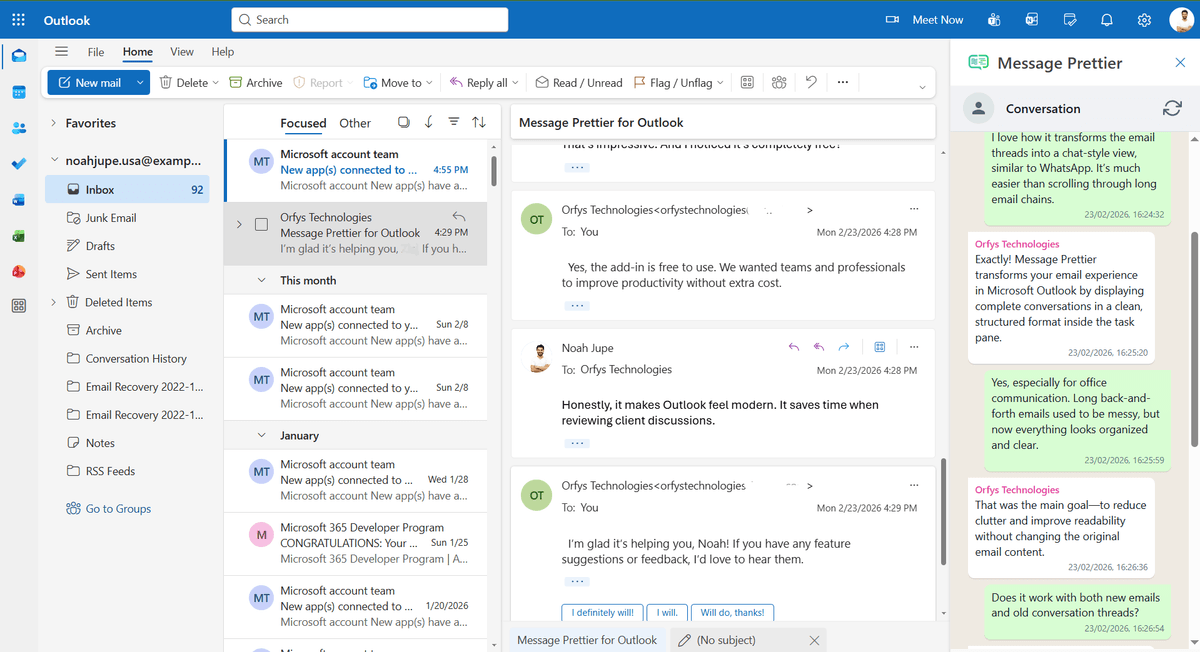
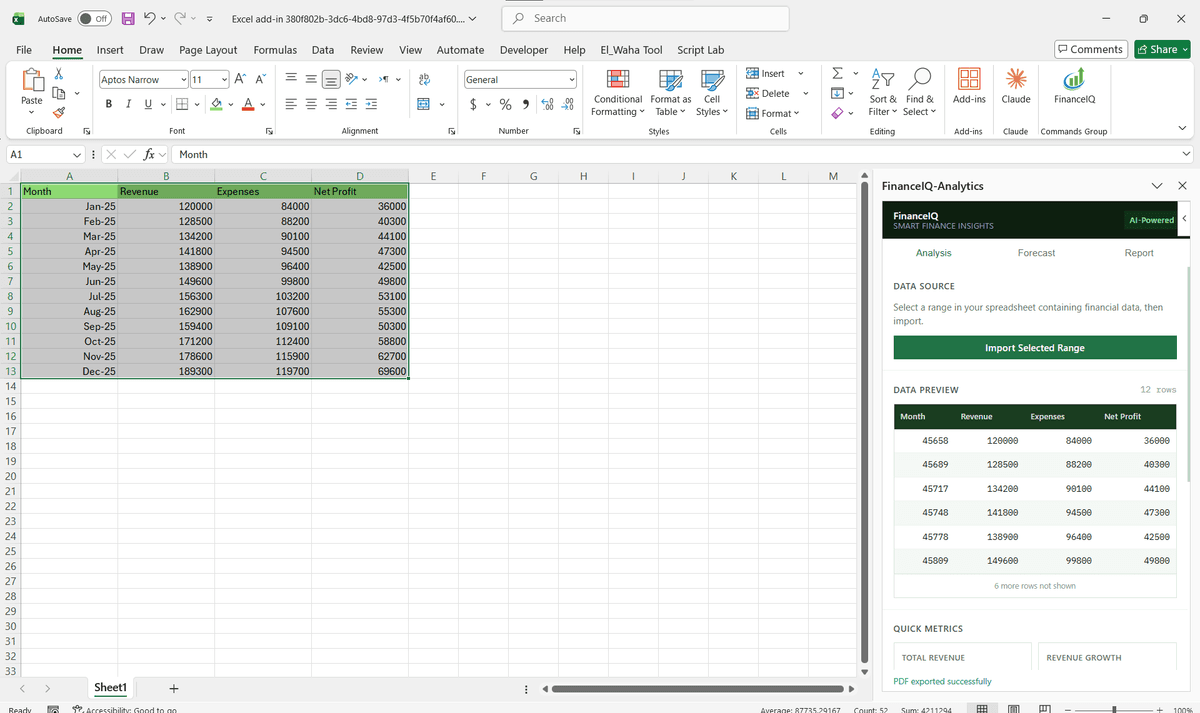
Working with their basis team, we exposed three Gateway OData services and built a task pane that pulls open purchase orders, stock levels, and vendor lead times into the buyers' own planning workbooks, with a write-back path that creates requisitions from marked rows. Sign-in rides on their existing Microsoft credentials, so there is no second password to manage. Six months on, the measure the client quotes is not hours saved. It is that plant-level purchasing decisions now trace back to figures pulled the same morning.
Is a custom SAP connection worth it for you?
Not always. SAP's own Analysis for Office covers read-only analytical reporting well, and if your team only consumes BW queries, buy that and stop. A custom build pays when you need write-back, when SAP figures must combine with other systems' data in one workbook, or when Business One and older ECC landscapes rule the standard tools out. Mid-migration is the wrong moment: wait until your services are stable, or scope against the target system rather than the one being retired.
SAP Integration: Common Questions
Yes. We connect Excel add-ins to SAP via OData or RFC without requiring an additional middleware layer. The add-in calls SAP directly through your existing SAP Gateway or a lightweight proxy your basis team approves.
Ready to Connect SAP to Microsoft 365?
We scope every integration project on a free discovery call. No commitment, just a clear picture of what the build involves and what it will cost.