HubSpot Integration for Outlook and Excel Add-ins
Connect HubSpot CRM to Outlook and Excel without switching tabs. We build add-ins that surface contact timelines, log emails to HubSpot, and sync deal data directly inside Microsoft 365.
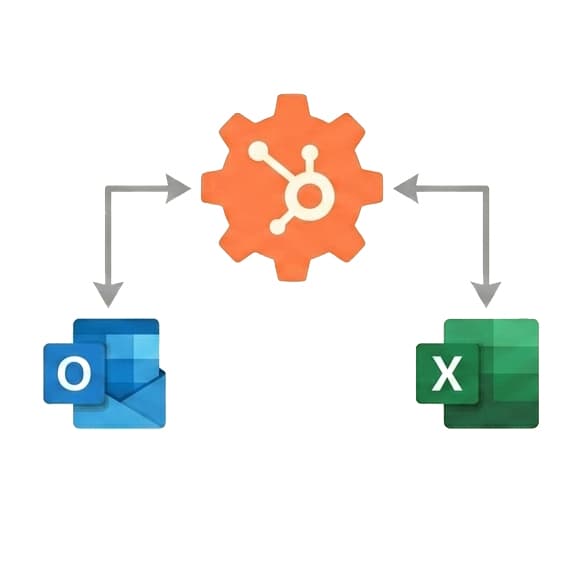
Integration at a Glance
250+ Projects
delivered across integration builds
7 Integration Types
SAP, AI, CRM, Power BI and more
5+ Years
building Office add-in integrations
Free Discovery Call
to scope your integration project
What We Build Into Your HubSpot Integration
HubSpot Contact Lookup in Outlook
Open any email and see the sender's HubSpot contact record, company, deal stage, and recent activity directly in the Outlook task pane, with no browser tab needed.
One-Click Email Logging
Log Outlook emails to HubSpot contact or deal records with a single click. No copy-pasting, no manual CRM entry after every sales conversation.
Deal Stage Visibility
See open deals and their current stage for any contact directly inside Outlook so your team has context before every reply.
Live Pipeline Data in Excel
Pull HubSpot deals, contacts, and pipeline metrics into Excel via API so revenue ops teams work with live data instead of weekly CSV exports.
Two-Way Contact Sync
Update HubSpot contact fields from Excel and push changes back to HubSpot automatically, keeping your CRM current without opening it.
HubSpot OAuth 2.0 Auth
We implement HubSpot's official OAuth 2.0 flow so users authenticate securely with their HubSpot credentials and the add-in handles token refresh automatically.
How the Integration Project Works
- 1
HubSpot API Review
We review your HubSpot portal, confirm API access, and map which objects your team needs inside Outlook or Excel, such as contacts, deals, companies, activities, or custom properties.
- 2
OAuth Setup & Connection
We implement HubSpot OAuth 2.0 and establish a stable API connection tested against your live HubSpot portal before any add-in development starts.
- 3
Field Mapping
We map HubSpot property names and data structures to what displays in Outlook or Excel, surfacing the fields your sales team actually uses rather than every property in your portal.
- 4
Add-in Build & Testing
We build the Outlook contextual add-in or Excel task pane, test email logging against real contacts, and confirm deal sync works across your pipeline stages.
- 5
Deployment & Handover
We deploy via Microsoft Admin Center, confirm the add-in works in Outlook web and desktop, and hand over documentation your HubSpot admin can reference.
Our Tech Stack
The frameworks, cloud platforms, and AI models we build Office add-ins and integrations on.



















Industry-Specific Solutions
We tailor our Microsoft development expertise to meet the unique compliance and workflow requirements of your sector.

Professional Services & Consulting
We connect HubSpot client and project records to Outlook so account teams log work without switching tools.

Real Estate
We bring HubSpot leads and deal stages into Outlook so agents respond to enquiries straight from email.

HR & Recruiting
We connect HubSpot candidate and client records so recruiters log emails and update stages from Outlook.
Featured Solutions & Interfaces
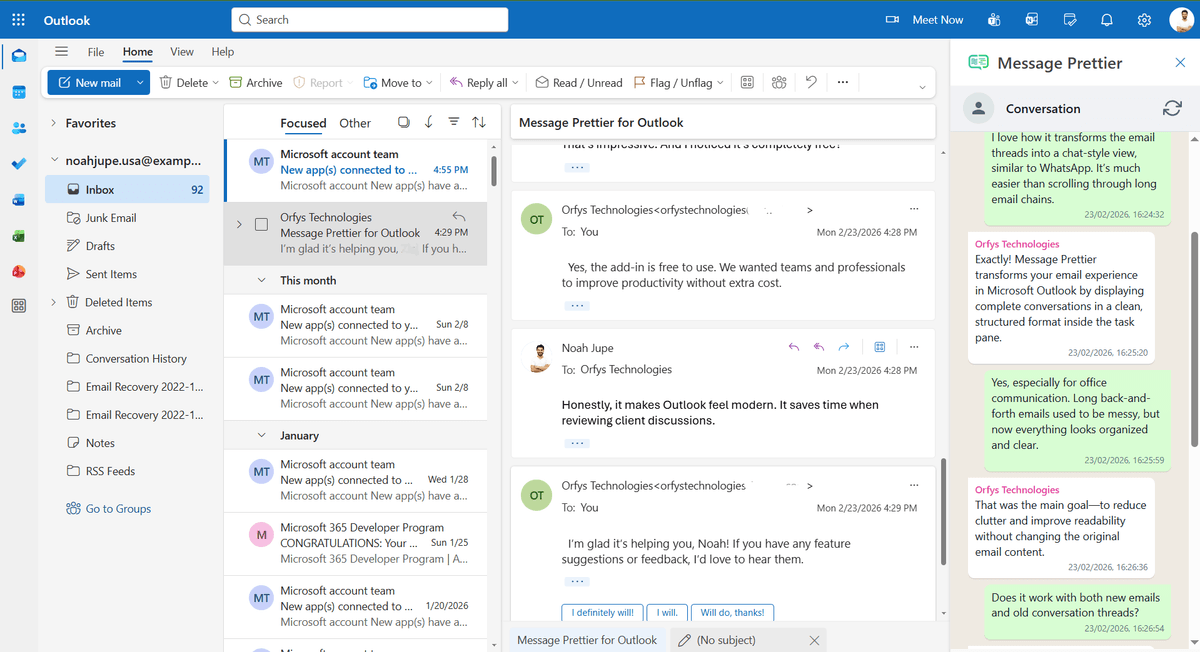
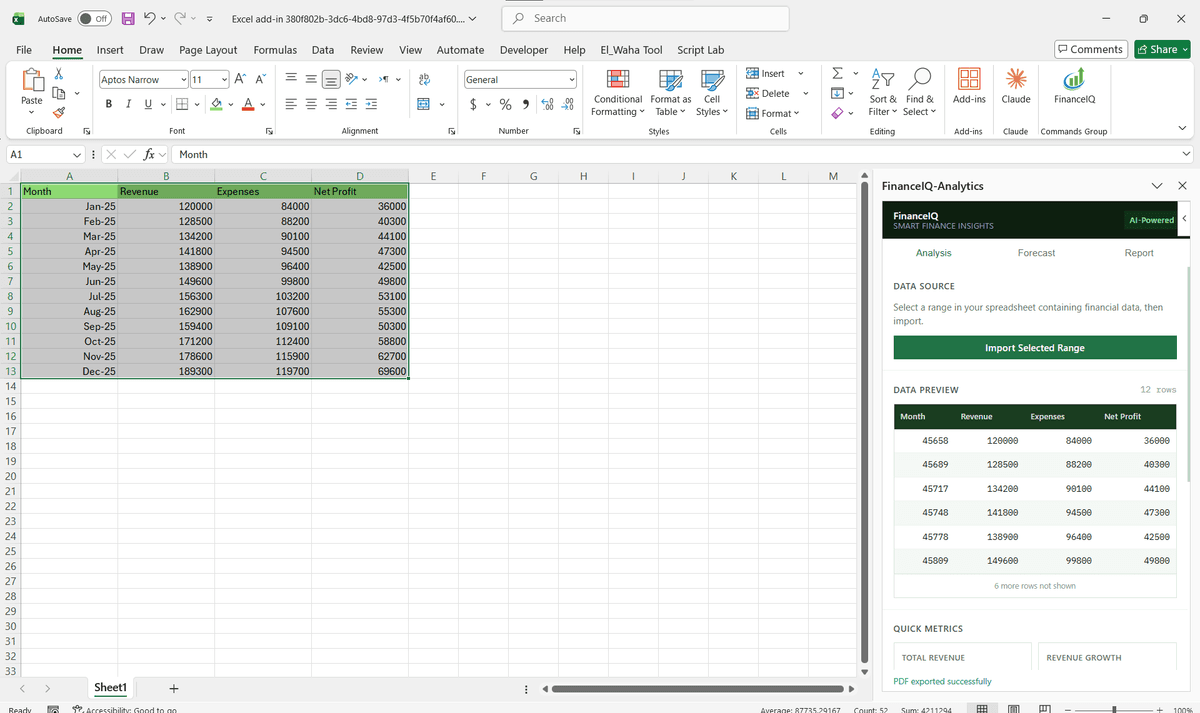
Two tools, two versions of the truth
Which stage was the deal actually in? At a 60-person logistics software company, the answer depended on whether you asked HubSpot or the sales team's inboxes, and the revenue operations manager was tired of refereeing. Marketing ran lifecycle stages in HubSpot; sales lived in Outlook and updated deals in batches on Friday afternoons, so mid-week forecasts were fiction.
We built two connected pieces. In Outlook, a panel shows the sender's record and lets reps advance a deal stage or log a thread as they read, which moved updates from weekly to continuous. In Excel, the rev-ops manager pulls live pipeline snapshots against her own cohort formulas instead of exporting CSVs every Monday. Forecast reviews now open with one number on the screen. The rep who resisted longest was converted by a small thing: the panel pre-fills the required fields he used to be nagged about.
Do you even need a custom HubSpot build?
Often not. HubSpot's own Outlook extension handles basic logging and tracking, and on lower tiers it is the sensible default. Custom work makes sense once your process outgrows it: required properties by pipeline, custom objects, quote data landing in Excel, or logging rules the stock tool cannot express. If Outlook is only half the story and Salesforce or Dynamics runs elsewhere in the group, our wider CRM integration work covers the mixed estate.
HubSpot Integration: Common Questions
Yes. We build Outlook contextual add-ins that detect the sender's email, query HubSpot via API, and display the matching contact record, deal stage, and recent activity in the Outlook task pane.
Ready to Connect HubSpot to Microsoft 365?
We scope every integration project on a free discovery call. No commitment, just a clear picture of what the build involves and what it will cost.