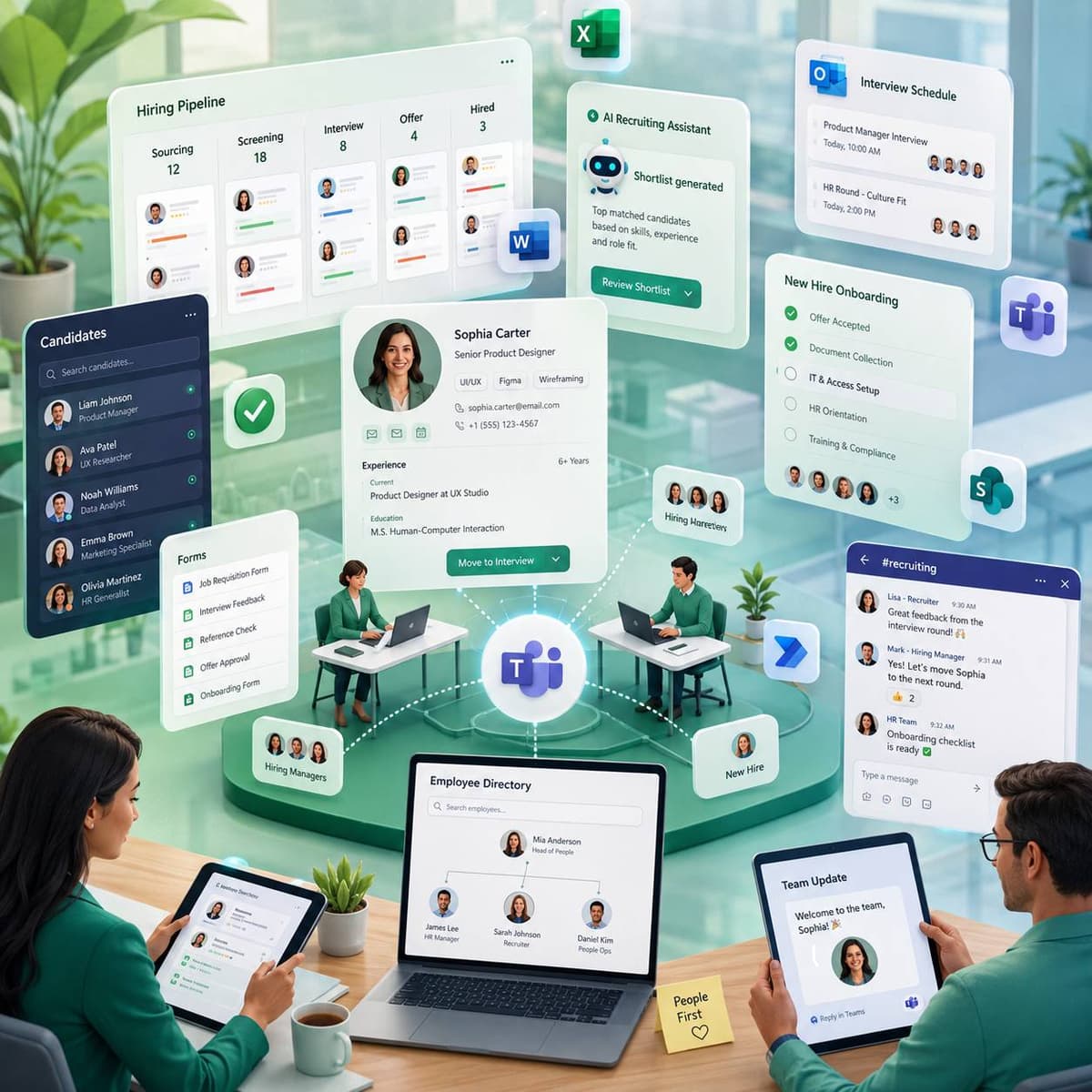
The problems we hear most
Office and Teams add-ins for HR and talent teams that run onboarding, approvals, and employee communication in Microsoft 365.
Onboarding is a manual checklist
New-hire setup runs across email, spreadsheets, and forms, so steps get missed and the experience feels disjointed.
Approvals get stuck in inboxes
Leave, expense, and offer approvals bounce around Outlook with no clear status, so requests stall and follow-ups pile up.
Candidate data is scattered
Resumes, ATS records, and interview notes live in different places, so recruiters re-key data and lose track of pipeline.
Employee communication is ad hoc
Announcements, surveys, and reminders are sent by hand, so reach is inconsistent and responses are hard to track.
How we help
Automate onboarding in Teams
Teams apps walk new hires and managers through each onboarding step with tasks, forms, and reminders.
Microsoft Teams app developmentMove approvals out of the inbox
Outlook add-ins route leave, expense, and offer approvals with clear status and automatic reminders.
Outlook add-in developmentConnect your ATS and HR systems
Custom API connectors bring candidate and employee data into Office so recruiters stop re-keying.
API integrationTrack recruiting pipeline in Excel
Excel add-ins pull ATS data into pipeline and hiring reports so talent metrics build automatically.
Excel add-in developmentReach employees through Teams
Teams apps send announcements and surveys to the right groups and track responses in one place.
Microsoft Teams app developmentLosing candidates in the approval queue
Offer approval took eight days, and the best candidates stopped waiting around day five. The head of talent at a 1,200-person retail group traced declined offers to that gap: the compensation was competitive, the paperwork was not, and an offer spent its eight days crawling through five approval inboxes.
We rebuilt offer approval as a Teams workflow. A recruiter raises the offer from a form, approvers act on a card that shows exactly what changed against the role's banding, and anyone silent for 24 hours gets an automatic nudge, with escalation after 48. The signed-off offer letter then generates itself from the approved terms, so what the candidate receives cannot drift from what was approved. Offer turnaround fell from eight days to under two, and decline rates on senior roles followed it down. The mechanics are described in our Teams apps for HR guide and delivered through our Teams development work.
Check your HRIS first
Most HR platforms ship onboarding checklists and approval chains; if yours covers the workflow, configure it and skip the project. Custom Teams and Office work fits when a process crosses systems the HRIS cannot reach, when approvers live in Teams rather than the HR portal, or when documents like offers and contracts must generate from approved data. And if the real gap is that managers ignore the HRIS, adoption is a leadership fix before it is a software one.
Services that fit HR & Recruiting
Each of these is a service we deliver, mapped to a use case your team will recognize.
Microsoft Teams App Development
Onboarding, approvals, announcements, and surveys delivered inside Teams.
Outlook Add-in Development
Approval routing and candidate communication from the inbox.
API Integration
Connections to your ATS and HR systems so data is entered once.
Excel Add-in Development
Recruiting pipeline, headcount, and hiring reports built from live data.
Microsoft Graph API Integration
Org structure, calendars, and user data feeding onboarding and directory workflows.
The tech we build on
The frameworks, cloud platforms, and AI models behind our HR & Recruiting Office add-ins.



















Further reading
Frequently asked questions
Can you automate employee onboarding?
Can the add-in handle leave and expense approvals?
Can you connect our applicant tracking system?
Can it run surveys and announcements?
How long does an HR add-in take to build?
Can onboarding handle contractors and interns differently from employees?
What happens to candidate data when a position closes?
Related industries
We build Office add-ins for neighboring sectors with similar compliance and workflow needs.
Professional Services & Consulting
Office add-ins for consultancies and professional services firms that run proposals, reporting, and client work in Microsoft 365.
Explore Professional ServicesHealthcare
HIPAA-aware Office add-ins for providers, clinics, and health systems that handle patient data every day.
Explore HealthcareManufacturing
Office add-ins for manufacturers that run production, supply chain, and quality data through Excel and Microsoft 365.
Explore ManufacturingReady to cut HR admin?
Book a free call and we will map your onboarding, approval, and recruiting workflows to a custom Office add-in.