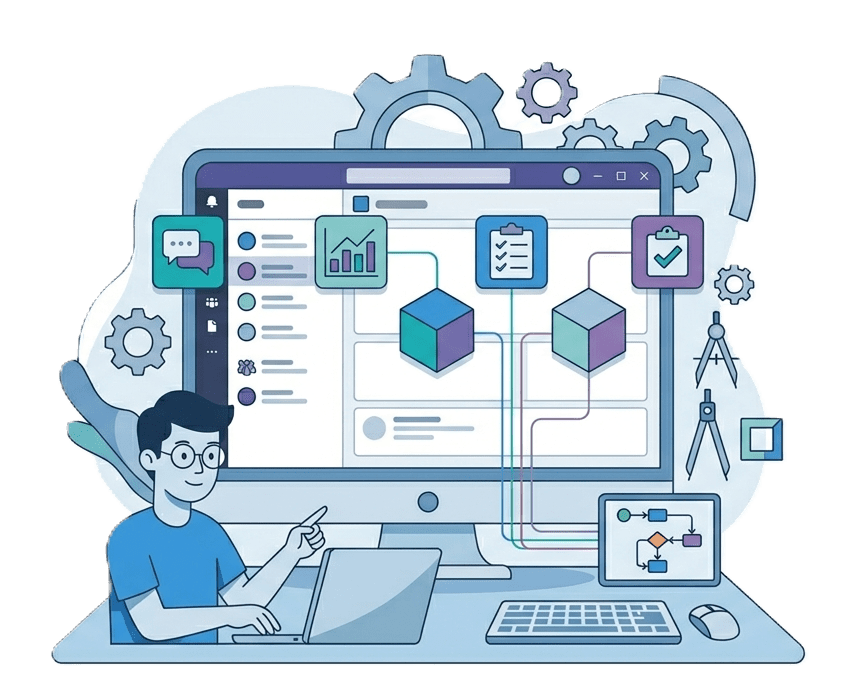
Teams Add-ins Development
MSOfficeAddin specializes in microsoft teams app development, building bots, custom tabs, and message extensions that bring your business tools into the workspace where your team already spends the day. With over 320 million monthly active users on Teams, embedding your workflows directly into the platform means faster adoption, fewer context switches, and automation that actually gets used.
Teams Add-ins Development Overview
MSOfficeAddin builds custom Teams apps for enterprise organizations that need to automate workflows, surface business data, and connect their Microsoft 365 stack without asking staff to leave the tool they already use all day. We develop bots using Bot Framework SDK v4, custom tabs as React SPAs with Azure AD SSO, message extensions that pull CRM records and ticketing data into the compose box, and meeting extensions that capture decisions in real time. Every app we ship follows Microsoft Teams Toolkit best practices and meets Teams Store validation requirements, so you can deploy via the Microsoft 365 admin center or publish publicly on AppSource. Our teams has built Teams apps for HR, sales, IT operations, and legal departments across the US, UK, and Australia, reducing manual handoffs and cutting the average approval cycle from days to hours. Many of these Teams apps run on the Microsoft Graph API for channel, chat, and meeting data; see our Microsoft Graph API development service. We also publish Teams apps to the Microsoft Teams Store through our AppSource publishing service. Microsoft Copilot is deeply integrated with Teams; for Copilot extensions, see our dedicated service.
Leave requests at a 600-person logistics company travelled by email: form PDF to supervisor, supervisor to HR shared mailbox, HR to payroll spreadsheet. Average approval time was six days, and December requests routinely got buried under freight-season traffic. We replaced the chain with a Teams app: a personal tab for submitting requests, Adaptive Card approvals that supervisors action from the channel they already watch, and a nightly sync into the payroll system. Approvals now average under a day. Escalations that still arrive by email get converted into the same workflow through a companion Outlook add-in, so nothing lives in two systems. HR's favourite outcome was not speed. The December backlog report, which used to take a week of mailbox archaeology, became a filter on a list.
A Teams app earns its build cost when the people in the workflow already spend their day in Teams and the process involves handoffs between them. If your organisation has Teams installed but communication still happens by email, fix adoption first; an app will not create the habit. Single-person workflows with no approvals are usually better served by a simple Power App or even a well-built form.
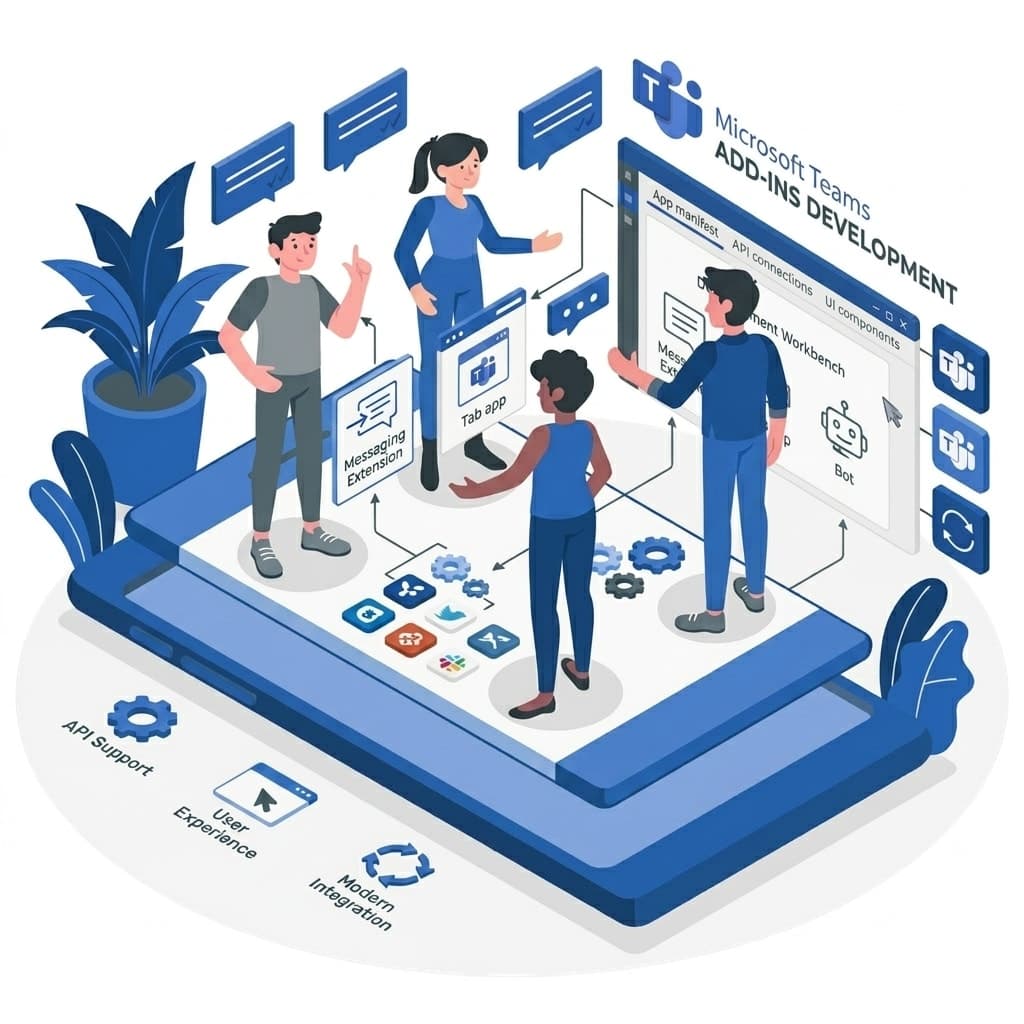
Teams Add-ins Development Expertise
Our Teams Add-ins Development Means:
- Bot Framework SDK v4 & Proactive Messaging
- Azure AD SSO & Identity Management
- Adaptive Card Design & Logic
- Teams Meeting Extension Development
- Microsoft Graph API Integration
Custom Teams Add-ins Development Services
Teams Bot Development
Enterprise-grade teams bot development solutions built on the latest Microsoft frameworks.
Custom Channel and Personal Tabs
Enterprise-grade custom channel and personal tabs solutions built on the latest Microsoft frameworks.
Message Extensions
Enterprise-grade message extensions solutions built on the latest Microsoft frameworks.
Workflow Automation Apps
Enterprise-grade workflow automation apps solutions built on the latest Microsoft frameworks.
Types of Teams Add-ins Development We Build
Teams Bot Development
Conversational bots for helpdesk, HR, and sales built on Bot Framework SDK v4 with proactive messaging and full Azure AD authentication.
Custom Teams Tabs
React SPAs embedded in channels or personal workspaces with Azure AD SSO, connecting to your internal APIs in under 6 weeks.
Message Extensions
Search and action commands that surface CRM records, tickets, or inventory data in any Teams chat compose box.
Adaptive Cards
Rich interactive cards for approvals, forms, and data summaries delivered directly in Teams messages with action buttons that write back to your systems.
Power Automate Integration
Connect Teams triggers and actions to multi-step flows across Microsoft 365 and third-party APIs without custom middleware.
Meeting Extensions
In-meeting side panel apps and meeting stage views for real-time collaboration, polling, and post-meeting decision capture.
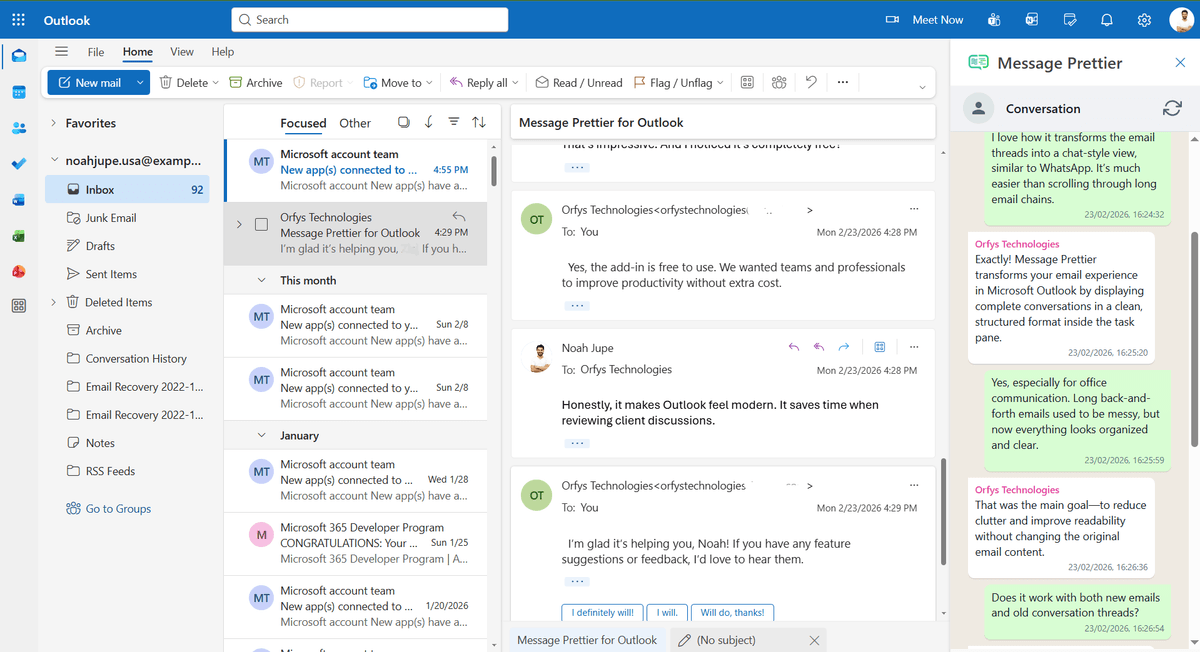
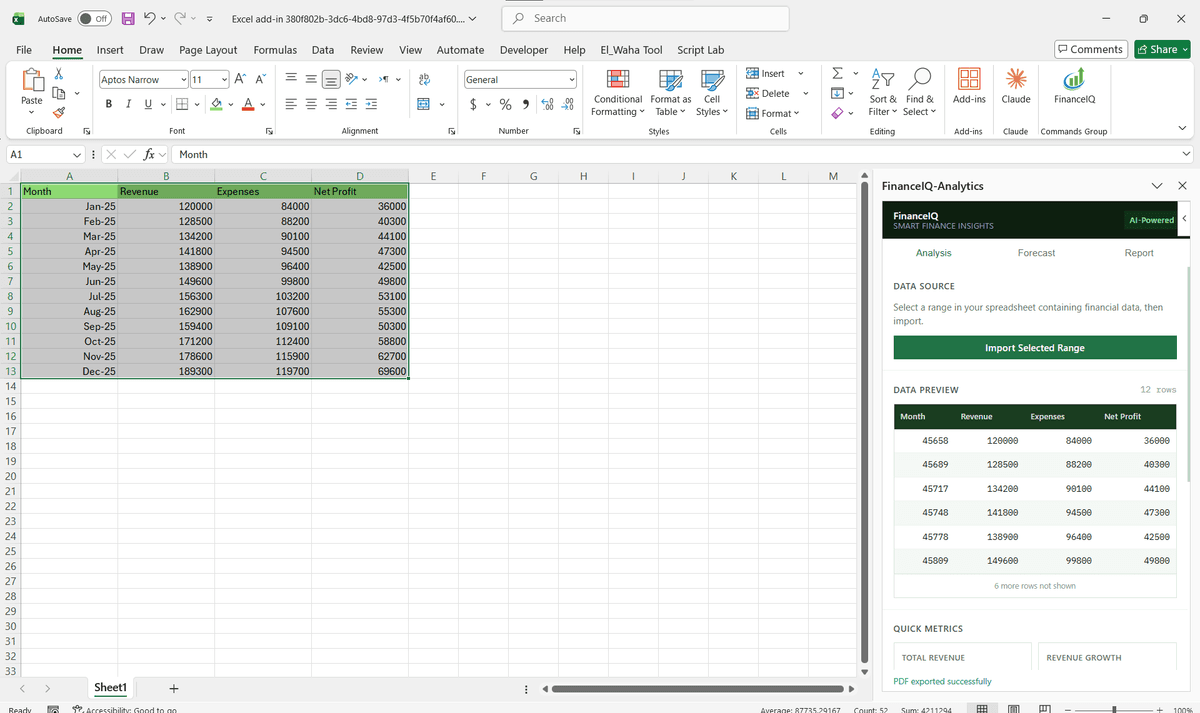
Featured Solutions & Interfaces
Driving Real Business
Value with Teams Add-ins Development
Don't just add features. Solve bottlenecks. Our custom solutions are engineered to reduce manual effort by up to 40% and ensure 100% data accuracy.
Cost Reduction
Automate repetitive tasks and eliminate manual data entry.
Native Experience
Add-ins look and feel like part of the original Microsoft app.
Centralized Deployment
Deploy instantly via Microsoft 365 Admin Center.
Data Security
Inherit Microsoft's enterprise-grade security protocols.
Our Tech Stack
The frameworks, cloud platforms, and AI models we build Office add-ins and integrations on.



Industry-Specific Solutions
We tailor our Microsoft development expertise to meet the unique compliance and workflow requirements of your sector.

Legal
Contract approval workflows routed through Adaptive Card actions with full audit logging to SharePoint.
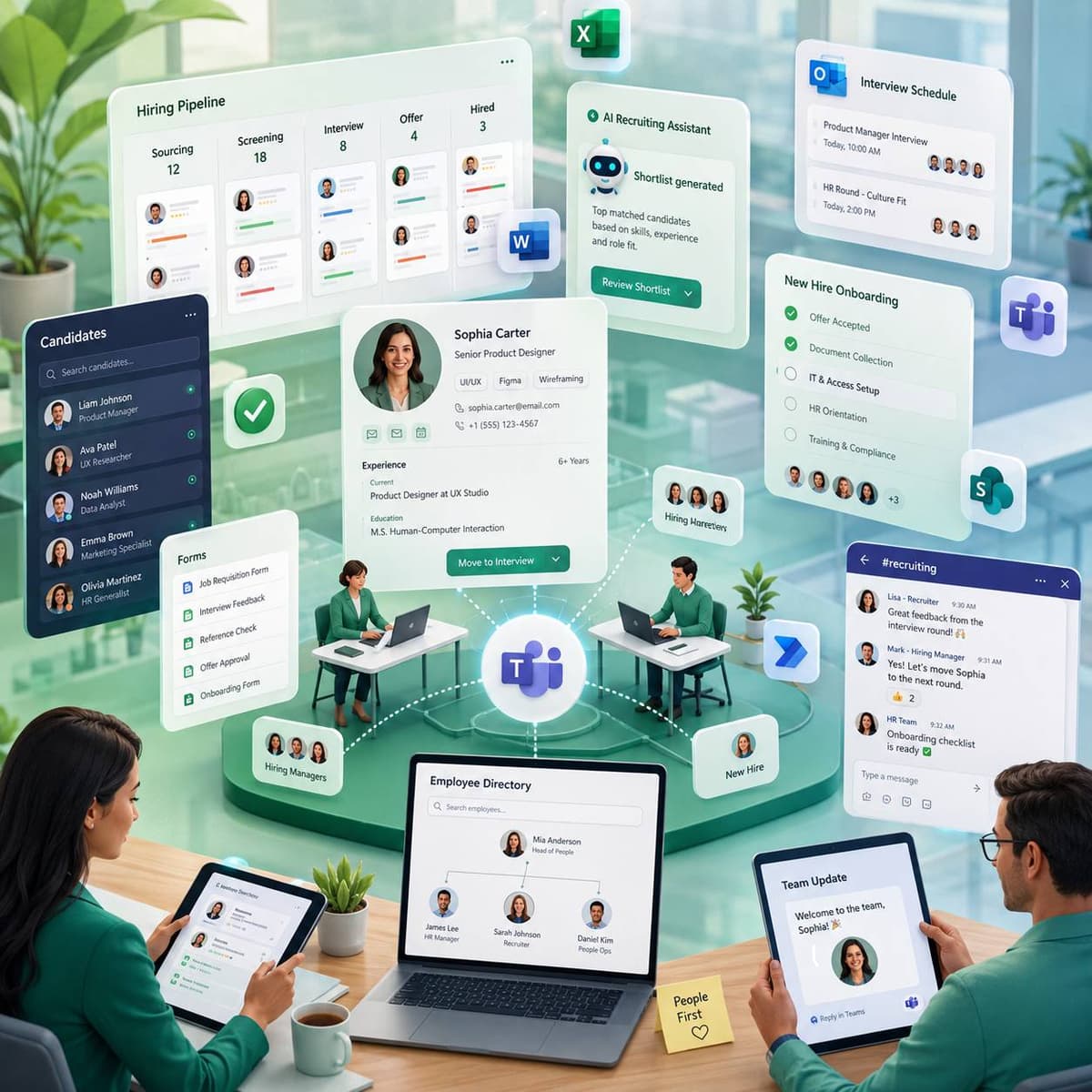
HR & Recruiting
Policy bots, onboarding task apps, and leave request automation for HR teams managing distributed workforces.








What Our Clients Say
Join 100+ businesses who trust us with their critical Office automation and enterprise add-in development.
"Amazing work. The Excel plugin was built exactly around what I needed and has made the process much faster and easier to manage. Communication was clear throughout, the turnaround was quick, and the final result worked well without needing constant back and forth. They clearly understood the problem."
"MSOfficeAddin truly exceeded expectations in software development, showcasing impeccable professionalism and profound code expertise. Working with the team was a breeze thanks to excellent cooperation and punctual delivery. HIGHLY recommend their services!"
"MSOfficeAddin delivered a flawless software project with incredible attention to detail and professionalism. Working with the team was a breeze as they were consistently responsive and cooperative, all while demonstrating EXCELLENT language fluency. 👍"
Frequently asked questions
What is microsoft teams app development?
What is a Teams bot?
What is a Teams tab?
How to add an app to Microsoft Teams?
Can a Teams bot message users proactively, or only reply?
Do custom Teams apps work for frontline workers on mobile?
Explore Related Solutions
Complement your current ecosystem with our other specialized Microsoft development services.
Start your Teams Add-ins Development project
Our experts are ready to help you architect and deploy your enterprise solution. Schedule a technical discovery call today.
Talk to us
info@msofficeaddin.com
Response within 24 hours
Consultation
Book a technical discovery call
Global Support
Working with clients across North America, Europe, and Asia.
We've pre-filled this form for the Teams Add-ins Development service. Feel free to edit any field before sending.