
PowerPoint Add-ins Development
Custom PowerPoint add-in development for slide automation, branded presentation generation, and design system integration. We build AppSource-ready Office.js PowerPoint add-ins for enterprise consulting, sales, and marketing teams.
PowerPoint Add-ins Development Overview
MSOfficeAddin builds custom PowerPoint add-ins for enterprise teams that need to produce consistent, branded, and data-driven presentations at scale. As a specialist PowerPoint add-in development company, we serve consulting firms, financial advisors, marketing agencies, and enterprise sales teams across the US, UK, and Australia who rely on PowerPoint as a core business tool.
Building a PowerPoint add-in requires deep familiarity with the Office.js PowerPoint API, including slide objects, shape manipulation, content controls, and the manifest configuration. Our team has delivered production PowerPoint add-ins that passed AppSource certification on the first submission, and we carry that expertise into every engagement. We also publish your PowerPoint add-in to AppSource as a managed service through our AppSource publishing service. For AI-driven slide content and speaker notes, see our AI-powered Office add-in service.
Ninety client-facing decks a quarter was the volume one boutique strategy firm produced with eleven consultants. Each deck reused the same thirty or so exhibit layouts, and each consultant rebuilt them by hand, which meant fonts drifted, footers went stale, and a partner spent Sunday evenings fixing slides before Monday reviews. We built a task pane library of approved exhibits: a consultant picks a layout, the tool inserts it with current disclaimers and branding, and charts populate from the firm's model workbooks, the same data connection pattern we use in Excel add-in projects. Deck assembly time dropped from roughly six hours to under two, measured across the following quarter. The partner still reviews every deck. He just stopped rebuilding them.
Slide automation pays off when the same deck structure repeats: client reports, pitch books, campaign reviews. If every presentation your team makes is genuinely one-off, an add-in will sit unused and a good template file is the honest answer. Teams whose deck data lives in a CRM rather than spreadsheets usually pair this work with a CRM integration so pipeline figures land on slides without an export step.
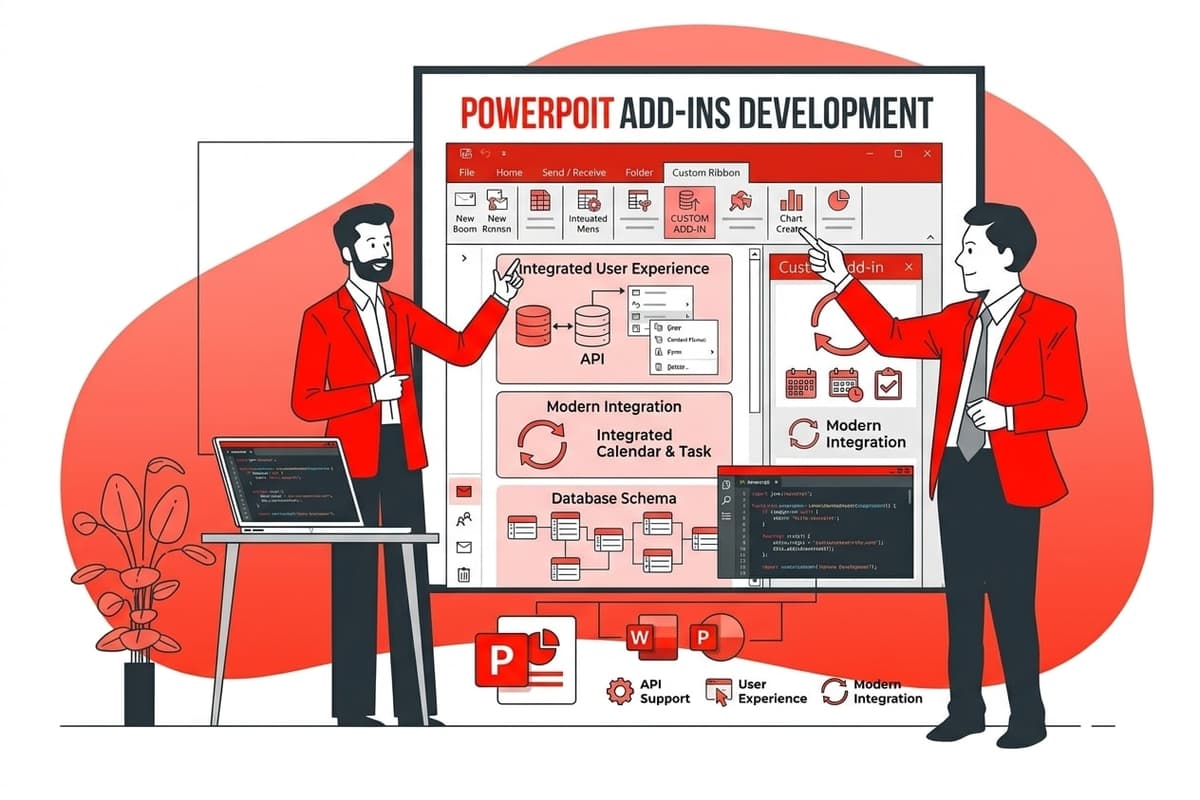
PowerPoint Add-ins Development Expertise
Our PowerPoint Add-ins Development Means:
- Slide-level shape and text manipulation
- Dynamic chart and table injection
- Legacy presentation modernization
- Cloud-hosted asset management
- Complex animation triggering via code
Custom PowerPoint Add-ins Development Services
Automated presentation generation from live data sources
Enterprise-grade automated presentation generation from live data sources solutions built on the latest Microsoft frameworks.
Brand management and compliance enforcement across all slides
Enterprise-grade brand management and compliance enforcement across all slides solutions built on the latest Microsoft frameworks.
Design system and asset library integration
Enterprise-grade design system and asset library integration solutions built on the latest Microsoft frameworks.
Data visualization, live charts from Excel, SQL, and APIs
Enterprise-grade data visualization, live charts from excel, sql, and apis solutions built on the latest Microsoft frameworks.
AI features: slide content, speaker notes, and layout suggestions
Enterprise-grade ai features: slide content, speaker notes, and layout suggestions solutions built on the latest Microsoft frameworks.
Content block library accessible from a task pane
Enterprise-grade content block library accessible from a task pane solutions built on the latest Microsoft frameworks.
CRM-connected personalized pitch deck generation
Enterprise-grade crm-connected personalized pitch deck generation solutions built on the latest Microsoft frameworks.
Microsoft Graph API integration
Enterprise-grade microsoft graph api integration solutions built on the latest Microsoft frameworks.
Azure AD / SSO enterprise authentication
Enterprise-grade azure ad / sso enterprise authentication solutions built on the latest Microsoft frameworks.
Cross-platform: Windows, Mac, and PowerPoint Online
Enterprise-grade cross-platform: windows, mac, and powerpoint online solutions built on the latest Microsoft frameworks.
AppSource certification and marketplace publishing
Enterprise-grade appsource certification and marketplace publishing solutions built on the latest Microsoft frameworks.
Types of PowerPoint Add-ins Development We Build
Slide Builder
A template generator that instantly assembles decks from a library of pre-approved, branded slide templates.
Live Charts
Keep your charts updated with real-time data sync from Excel or external SQL databases.
Asset Manager
Centralized access to high-res icons, images, and brand assets within the task pane.
Bulk Generation
Presentation automation that creates hundreds of personalized reports or pitch decks in seconds, with no manual slide work.
Featured Solutions & Interfaces
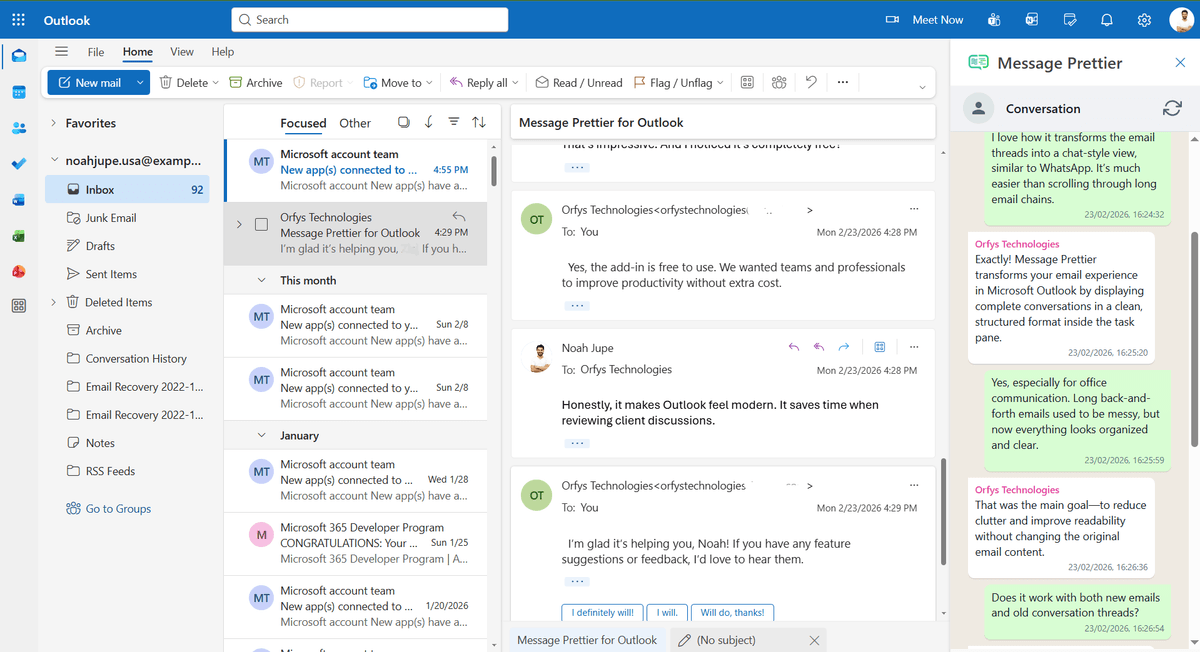
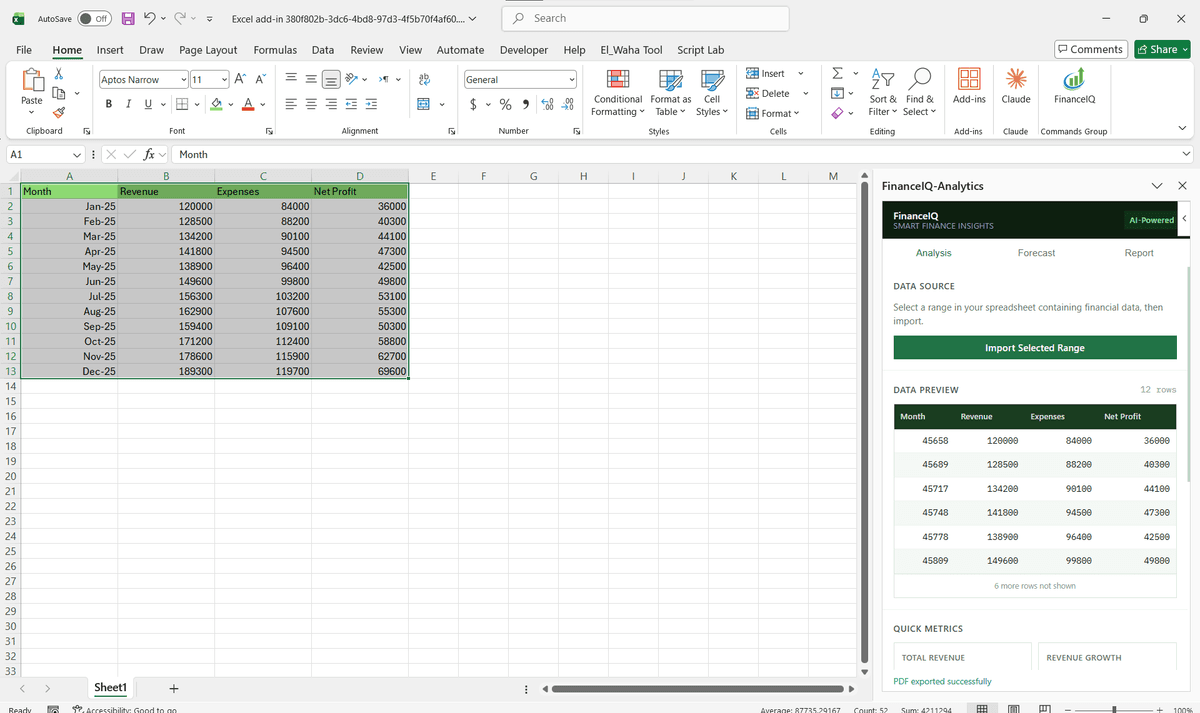
Driving Real Business
Value with PowerPoint Add-ins Development
Don't just add features. Solve bottlenecks. Our custom solutions are engineered to reduce manual effort by up to 40% and ensure 100% data accuracy.
Cost Reduction
Automate repetitive tasks and eliminate manual data entry.
Native Experience
Add-ins look and feel like part of the original Microsoft app.
Centralized Deployment
Deploy instantly via Microsoft 365 Admin Center.
Data Security
Inherit Microsoft's enterprise-grade security protocols.
Our Tech Stack
The frameworks, cloud platforms, and AI models we build Office add-ins and integrations on.




Industry-Specific Solutions
We tailor our Microsoft development expertise to meet the unique compliance and workflow requirements of your sector.

Professional Services & Consulting
Speed up deck creation with automated charting and slide libraries.











What Our Clients Say
Join 100+ businesses who trust us with their critical Office automation and enterprise add-in development.
"Amazing work. The Excel plugin was built exactly around what I needed and has made the process much faster and easier to manage. Communication was clear throughout, the turnaround was quick, and the final result worked well without needing constant back and forth. They clearly understood the problem."
"MSOfficeAddin truly exceeded expectations in software development, showcasing impeccable professionalism and profound code expertise. Working with the team was a breeze thanks to excellent cooperation and punctual delivery. HIGHLY recommend their services!"
"MSOfficeAddin delivered a flawless software project with incredible attention to detail and professionalism. Working with the team was a breeze as they were consistently responsive and cooperative, all while demonstrating EXCELLENT language fluency. 👍"
Frequently asked questions
Can we lock specific elements to ensure brand compliance?
Is it possible to pull data from our CRM into slides?
How do I hire a PowerPoint add-in developer?
What is a PowerPoint task pane add-in and what can it do?
Can you build PowerPoint add-ins that automate slide generation?
Can you build PowerPoint add-ins for sales teams or consulting firms?
Do you build PowerPoint add-ins with AI features?
Can you help publish a PowerPoint add-in to Microsoft AppSource?
Can an add-in enforce brand fonts when a deck is edited outside our team?
Does slide generation work in PowerPoint on the web?
Explore Related Solutions
Complement your current ecosystem with our other specialized Microsoft development services.
Start your PowerPoint Add-ins Development project
Our experts are ready to help you architect and deploy your enterprise solution. Schedule a technical discovery call today.
Talk to us
info@msofficeaddin.com
Response within 24 hours
Consultation
Book a technical discovery call
Global Support
Working with clients across North America, Europe, and Asia.
We've pre-filled this form for the PowerPoint Add-ins Development service. Feel free to edit any field before sending.