Azure AD App Registration for Office Add-ins
We set up Azure AD app registrations for Office add-ins, including manifest configuration, Graph API permissions, redirect URIs, admin consent, and the Entra ID settings that most teams get wrong the first time.
Azure AD App Registration for Office Add-ins Overview
Every Office add-in that uses Microsoft authentication needs an app registration in Microsoft Entra ID (formerly Azure Active Directory). The registration tells Azure who the add-in is, what permissions it needs, and which redirect URIs are valid. Get any of those details wrong and the auth flow breaks with error messages that point everywhere except the actual problem.
The parts that trip up most development teams: the app ID URI must follow a specific format for Office SSO to work. The WebApplicationInfo block in the add-in manifest must match the app registration exactly. Microsoft Graph permissions must be split correctly between delegated and application types. Admin consent must be configured for any permission that accesses organisational data. And the redirect URIs must cover every domain the add-in runs on, including localhost for development.
We handle app registrations as a standalone service for teams that have the add-in code but cannot get the auth layer to work, and as part of larger Office add-in development projects. For ISVs shipping to many customers, the registration feeds straight into multi-tenant authentication. We document every setting we configure so your IT team understands what was created in their tenant and why.
AADSTS50011. That error code sat in a fintech team's browser console for two weeks before they called us. Their add-in authenticated perfectly on localhost and failed in production, and every fix they tried targeted the code rather than the configuration. The actual faults sat in Entra ID: a redirect URI list missing the production domain, and an app ID URI that did not follow the format Office expects. We corrected the registration, split it into separate development and production entries so localhost testing could never touch live settings again, and documented each field for their IT team. Total code changes: zero. The team had budgeted a sprint for the fix; the corrected configuration was live in two days, and their security reviewers signed off on the documented permission list the same week.
This is the right standalone service when the add-in code is done and authentication refuses to cooperate, or when an IT team wants an existing configuration audited before a security review. It is not a substitute for building the auth layer itself; the registration is the configuration half of that story. And when the actual goal is moving data between Office and other systems, our integration services address the layer where that work happens.
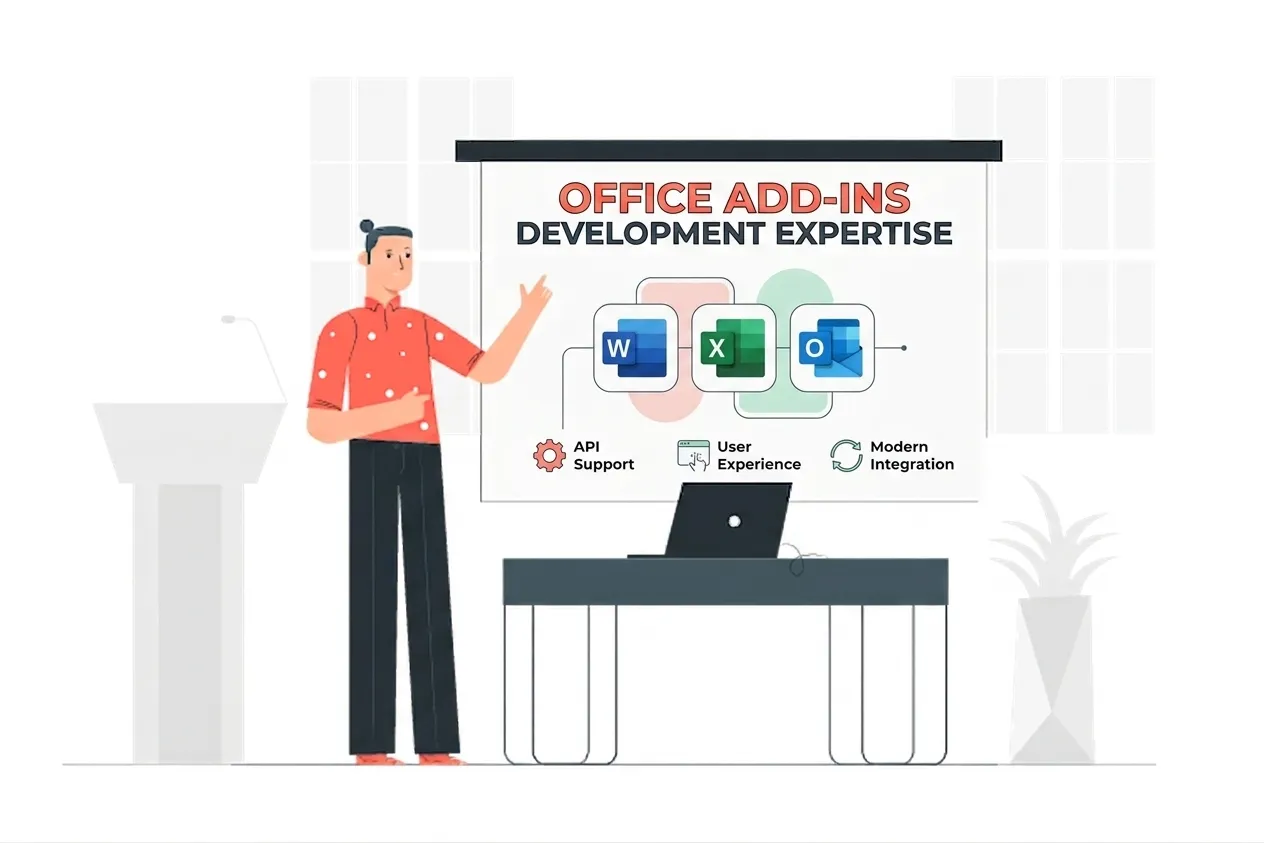
Azure AD App Registration for Office Add-ins Expertise
Our Azure AD App Registration for Office Add-ins Means:
- Microsoft Entra ID (Azure AD)
- App Registration Configuration
- Office Add-in Manifest (WebApplicationInfo)
- Microsoft Graph API Permissions
- Delegated vs Application Permissions
- Admin Consent Configuration
- Multi-Tenant App Setup
- Redirect URI Management
Custom Azure AD App Registration for Office Add-ins Services
Entra ID App Registration Setup
Enterprise-grade entra id app registration setup solutions built on the latest Microsoft frameworks.
Office SSO Manifest Configuration
Enterprise-grade office sso manifest configuration solutions built on the latest Microsoft frameworks.
Graph API Permission Setup
Enterprise-grade graph api permission setup solutions built on the latest Microsoft frameworks.
Redirect URI Configuration
Enterprise-grade redirect uri configuration solutions built on the latest Microsoft frameworks.
Admin Consent Setup
Enterprise-grade admin consent setup solutions built on the latest Microsoft frameworks.
Client Secret & Certificate Management
Enterprise-grade client secret & certificate management solutions built on the latest Microsoft frameworks.
Multi-Tenant Registration
Enterprise-grade multi-tenant registration solutions built on the latest Microsoft frameworks.
Developer & Production Environments
Enterprise-grade developer & production environments solutions built on the latest Microsoft frameworks.
Types of Azure AD App Registration for Office Add-ins We Build
Entra ID Registration Setup
We create and configure the app registration in Microsoft Entra ID: app ID, display name, supported account types, and the settings that differ between single-tenant and multi-tenant add-ins.
Office SSO Manifest Config
We configure the WebApplicationInfo block in your add-in manifest with the correct app ID URI and scope, the step most auth breakages trace back to when SSO is not working.
Graph API Permissions
We add the correct Microsoft Graph permissions to the registration, selecting delegated versus application permission type for each scope and flagging which require admin consent.
Redirect URI Configuration
We configure redirect URIs for every environment the add-in runs in, including localhost development, staging, and production, so auth callbacks work without URI mismatch errors.
Admin Consent Setup
We configure the admin consent endpoint so IT administrators can grant permissions in bulk during Admin Center deployment rather than each user being prompted individually.
Multi-Tenant Registration
For ISVs distributing to multiple enterprise tenants, we configure a multi-tenant app registration so the add-in works across customer tenants without per-tenant configuration.
Featured Solutions & Interfaces
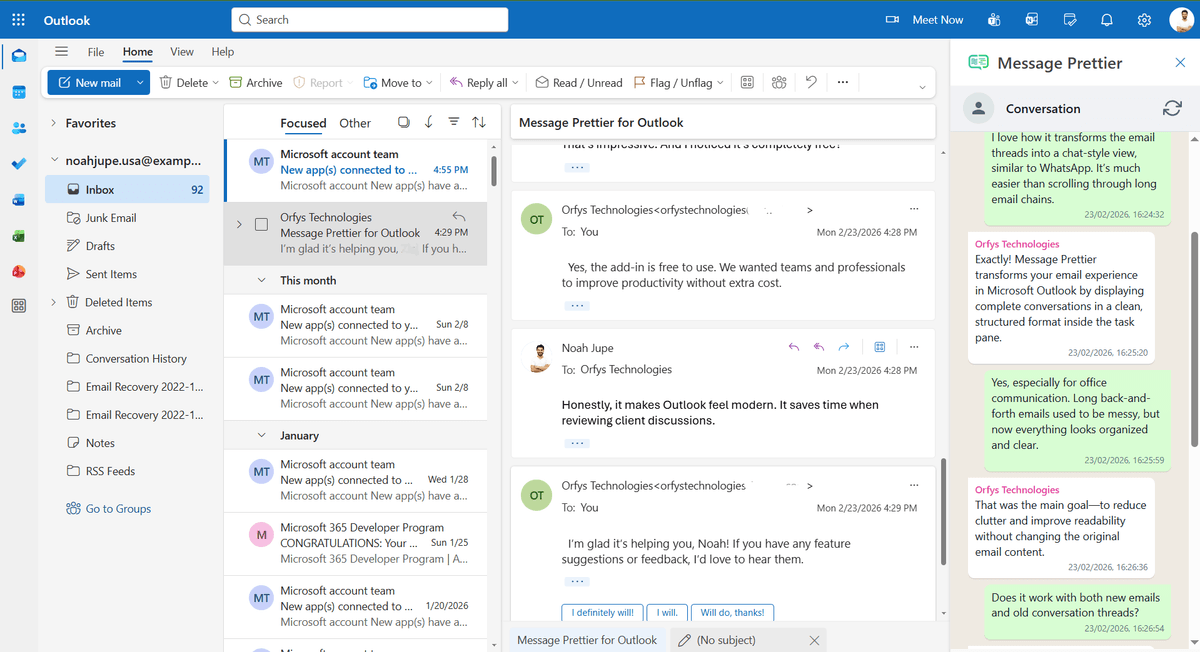
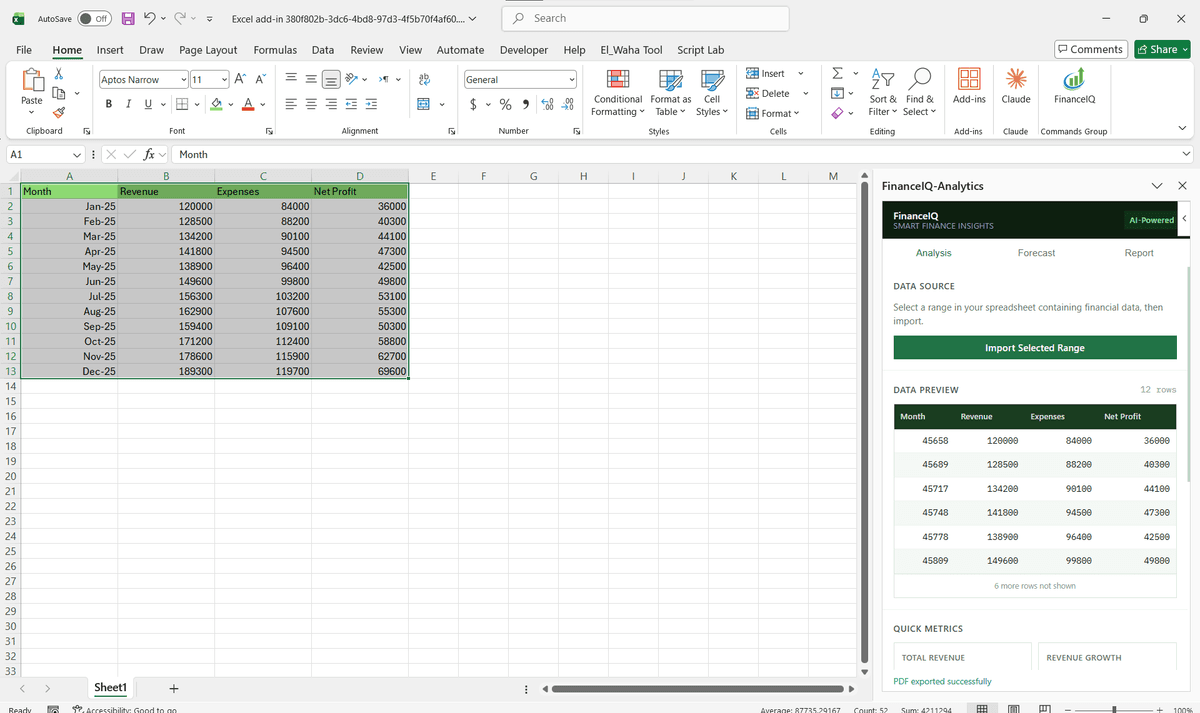
Driving Real Business
Value with Azure AD App Registration for Office Add-ins
Don't just add features. Solve bottlenecks. Our custom solutions are engineered to reduce manual effort by up to 40% and ensure 100% data accuracy.
Cost Reduction
Automate repetitive tasks and eliminate manual data entry.
Native Experience
Add-ins look and feel like part of the original Microsoft app.
Centralized Deployment
Deploy instantly via Microsoft 365 Admin Center.
Data Security
Inherit Microsoft's enterprise-grade security protocols.
Our Tech Stack
The frameworks, cloud platforms, and AI models we build Office add-ins and integrations on.



















Industry-Specific Solutions
We tailor our Microsoft development expertise to meet the unique compliance and workflow requirements of your sector.

Finance & Banking
We configure registrations with least-privilege Graph scopes so finance add-ins meet strict security review.

Legal
We register add-ins with the right permissions so legal tools access only the data they need.

Healthcare
We configure admin consent and scoped permissions so health add-ins keep access tightly governed.

HR & Recruiting
We register add-ins for user and group access so HR tools read org data under proper consent.










What Our Clients Say
Join 100+ businesses who trust us with their critical Office automation and enterprise add-in development.
"Amazing work. The Excel plugin was built exactly around what I needed and has made the process much faster and easier to manage. Communication was clear throughout, the turnaround was quick, and the final result worked well without needing constant back and forth. They clearly understood the problem."
"MSOfficeAddin truly exceeded expectations in software development, showcasing impeccable professionalism and profound code expertise. Working with the team was a breeze thanks to excellent cooperation and punctual delivery. HIGHLY recommend their services!"
"MSOfficeAddin delivered a flawless software project with incredible attention to detail and professionalism. Working with the team was a breeze as they were consistently responsive and cooperative, all while demonstrating EXCELLENT language fluency. 👍"
Frequently asked questions
Why does an Office add-in need an Azure AD app registration?
Can you set up the app registration in our Azure tenant?
What goes wrong most often with app registrations for Office add-ins?
Do you handle both development and production registrations?
Our client secret expired and everything stopped. How do you prevent that?
Can one registration serve an add-in that runs in Excel and Outlook?
Explore Related Solutions
Complement your current ecosystem with our other specialized Microsoft development services.
Start your Azure AD App Registration for Office Add-ins project
Our experts are ready to help you architect and deploy your enterprise solution. Schedule a technical discovery call today.
Talk to us
info@msofficeaddin.com
Response within 24 hours
Consultation
Book a technical discovery call
Global Support
Working with clients across North America, Europe, and Asia.
We've pre-filled this form for the Azure AD App Registration for Office Add-ins service. Feel free to edit any field before sending.