Multi-Tenant Authentication for Office Add-ins
We build multi-tenant authentication for Office add-ins distributed to multiple enterprise customers. One codebase, per-tenant token isolation, and no manual configuration needed for each new customer tenant.
Multi-Tenant Authentication for Office Add-ins Overview
If you are building an Office add-in as a product, something you sell or distribute to multiple enterprise customers, multi-tenant authentication is not optional. Each customer has their own Azure AD tenant. Their users authenticate against their tenant, not yours. Without a multi-tenant setup, every new customer requires manual configuration in your app registration, which does not scale.
A multi-tenant Office add-in uses a single Azure AD app registration configured for multi-tenant support. When a user from a new customer tenant installs the add-in, they or their IT administrator grants consent for your add-in to access their tenant. From that point, users in that tenant authenticate through Microsoft SSO against their own Entra ID and receive tokens that are scoped to their tenant's data. Your add-in receives the token, validates it, identifies the tenant, and routes requests accordingly.
The implementation details that matter: tenant discovery at token validation time, handling the admin consent redirect for new tenants, per-tenant token caching so one customer's tokens cannot be used for another's data, and the onboarding flow that new customers go through when they first deploy the add-in. We have built this architecture for ISVs distributing to anywhere from 10 to hundreds of enterprise tenants.
An HR software vendor onboarded its first three enterprise customers by hand: a screen-share with each IT department, settings adjusted per tenant, a week of back-and-forth per deal. Customer four was a 9,000-seat company whose IT team refused the manual process outright. We converted the vendor's registration to multi-tenant, built the consent page a new customer's administrator visits once to approve the permissions, and added tenant validation on the backend so each customer's tokens map only to that customer's data. Onboarding became something the vendor's sales engineer does in a kickoff call. The part that mattered commercially came later: with consent-based onboarding in place, the vendor passed the marketplace review process and listed publicly, which is how AppSource publication turned an enterprise sales tool into an inbound channel.
Multi-tenant auth is for add-ins sold or distributed beyond your own organisation. If your add-in serves one company, a single-tenant setup is simpler, safer, and easier to get through IT review, and converting later is a known path rather than a rebuild. The honest test: if you cannot name a second tenant that will use the add-in this year, do not pay for this yet.
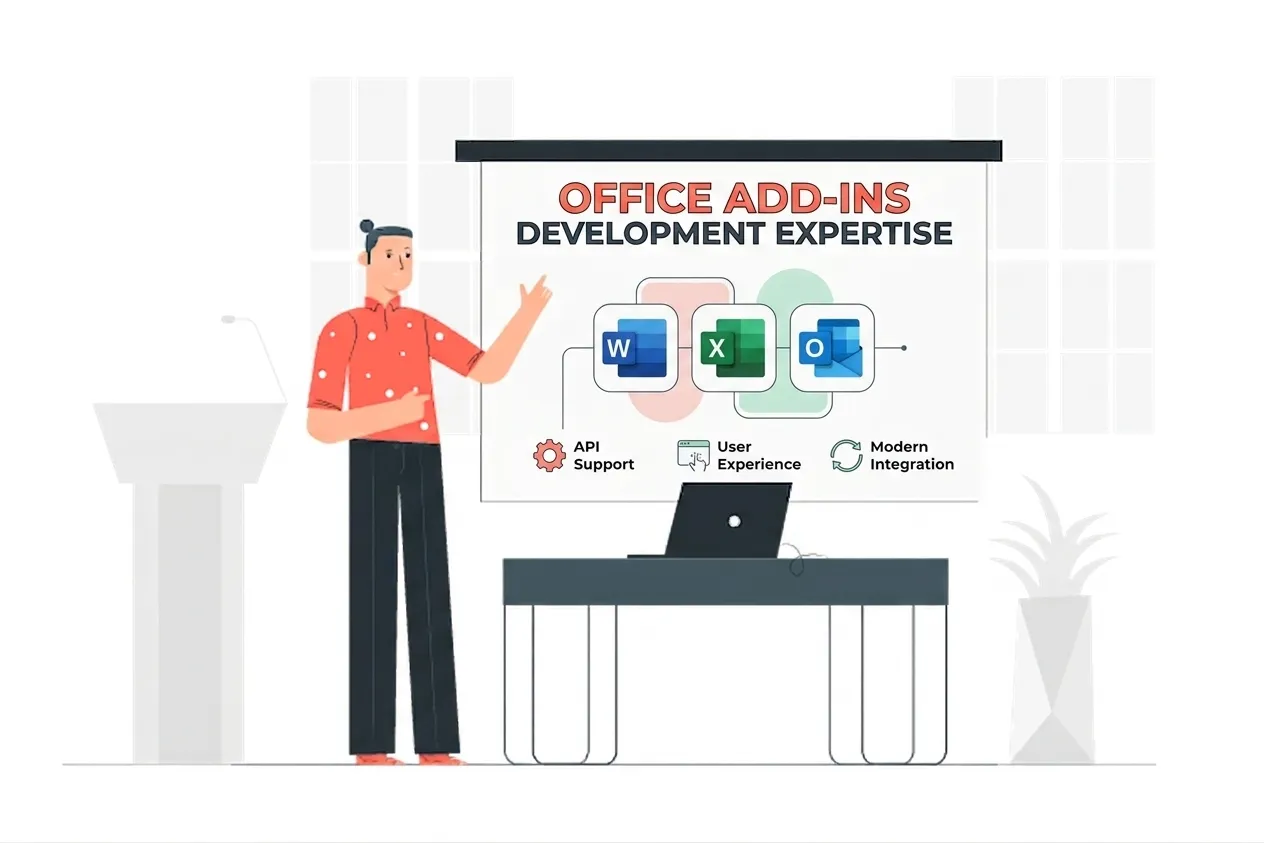
Multi-Tenant Authentication for Office Add-ins Expertise
Our Multi-Tenant Authentication for Office Add-ins Means:
- Multi-Tenant Azure AD App Registration
- Per-Tenant Token Caching
- Admin Consent Redirect Flow
- Tenant ID Discovery & Validation
- MSAL Multi-Tenant Configuration
- AppSource Auth Requirements
- Conditional Access Compatibility
- ISV Add-in Distribution Architecture
Custom Multi-Tenant Authentication for Office Add-ins Services
Multi-Tenant App Registration
Enterprise-grade multi-tenant app registration solutions built on the latest Microsoft frameworks.
Per-Tenant Token Isolation
Enterprise-grade per-tenant token isolation solutions built on the latest Microsoft frameworks.
Admin Consent Onboarding Flow
Enterprise-grade admin consent onboarding flow solutions built on the latest Microsoft frameworks.
Tenant Discovery at Token Validation
Enterprise-grade tenant discovery at token validation solutions built on the latest Microsoft frameworks.
New Tenant Onboarding Automation
Enterprise-grade new tenant onboarding automation solutions built on the latest Microsoft frameworks.
AppSource-Ready Auth Architecture
Enterprise-grade appsource-ready auth architecture solutions built on the latest Microsoft frameworks.
Conditional Access Compatibility
Enterprise-grade conditional access compatibility solutions built on the latest Microsoft frameworks.
Tenant-Scoped Data Routing
Enterprise-grade tenant-scoped data routing solutions built on the latest Microsoft frameworks.
Types of Multi-Tenant Authentication for Office Add-ins We Build
Multi-Tenant App Registration
We configure the Azure app registration for multi-tenant support so users from any Microsoft 365 tenant can authenticate against your add-in without per-tenant registration changes.
Per-Tenant Token Isolation
We build token management that isolates each customer tenant's tokens and data, so one tenant's credentials cannot access another tenant's Microsoft 365 data through your add-in.
Admin Consent Onboarding
We build the admin consent redirect flow so new enterprise customers can approve your add-in's permissions in their tenant during initial deployment, without involving your engineering team.
Tenant Discovery
We implement tenant discovery at token validation time so the add-in identifies which customer tenant a token belongs to and routes data requests to the correct tenant-scoped resources.
AppSource-Ready Architecture
We build the multi-tenant auth layer to AppSource standards so the add-in passes Microsoft's validation process for marketplace publication without auth-related rejection.
Conditional Access Compatibility
We test the add-in against enterprise tenants with Conditional Access policies, such as MFA requirements, device compliance checks, and IP restrictions, and implement compatible auth flows.
Featured Solutions & Interfaces
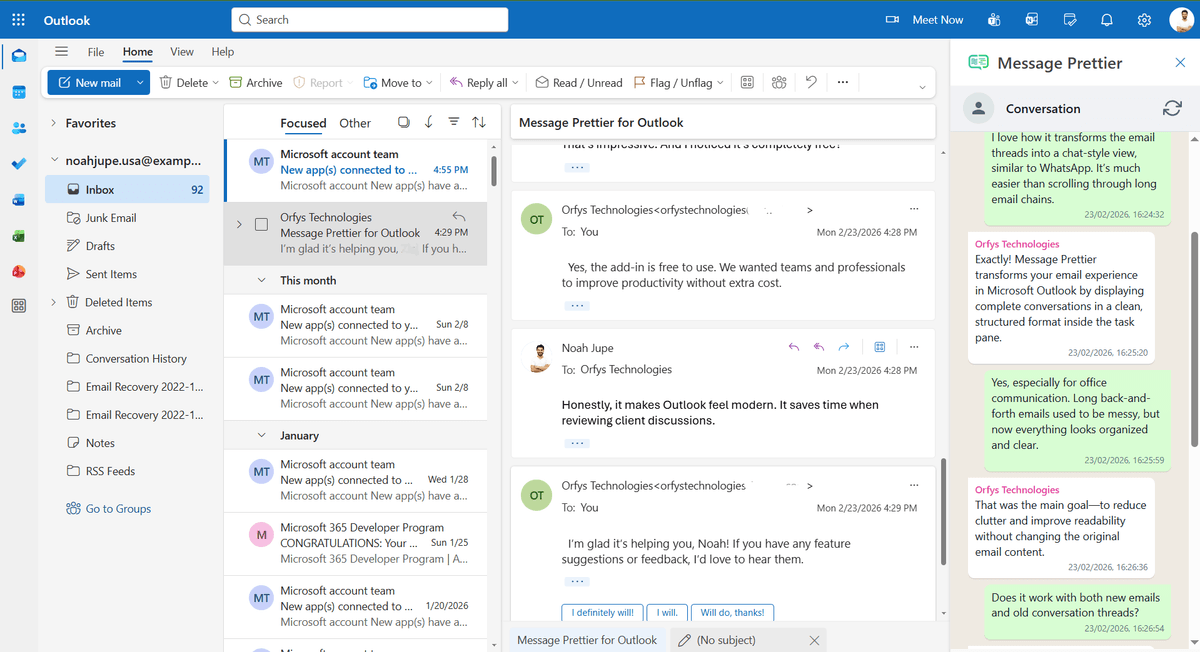
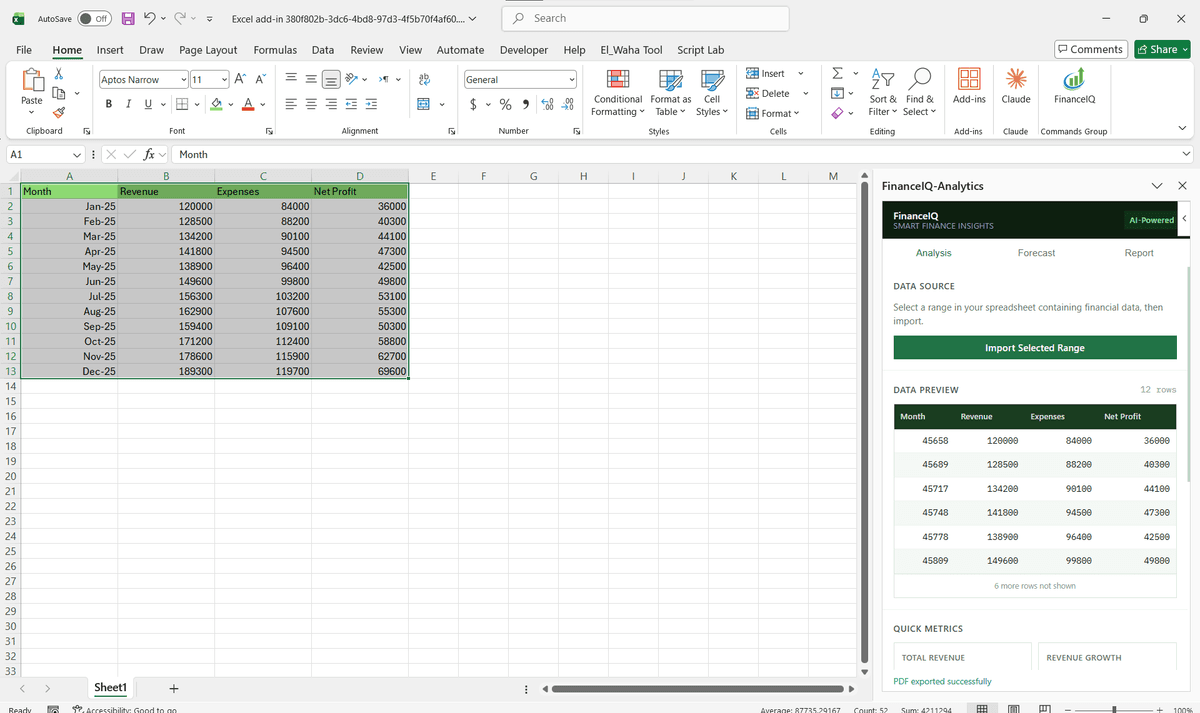
Driving Real Business
Value with Multi-Tenant Authentication for Office Add-ins
Don't just add features. Solve bottlenecks. Our custom solutions are engineered to reduce manual effort by up to 40% and ensure 100% data accuracy.
Cost Reduction
Automate repetitive tasks and eliminate manual data entry.
Native Experience
Add-ins look and feel like part of the original Microsoft app.
Centralized Deployment
Deploy instantly via Microsoft 365 Admin Center.
Data Security
Inherit Microsoft's enterprise-grade security protocols.
Our Tech Stack
The frameworks, cloud platforms, and AI models we build Office add-ins and integrations on.



















Industry-Specific Solutions
We tailor our Microsoft development expertise to meet the unique compliance and workflow requirements of your sector.

Finance & Banking
We isolate per-tenant tokens and data so finance add-ins keep each customer's Microsoft 365 data separate.

Legal
We build tenant-scoped auth so add-ins serving multiple firms keep each firm's data fully isolated.

HR & Recruiting
We configure multi-tenant consent so HR add-ins deploy across client tenants from one codebase.

Healthcare
We build per-tenant isolation and admin consent so health add-ins meet each tenant's access controls.










What Our Clients Say
Join 100+ businesses who trust us with their critical Office automation and enterprise add-in development.
"Amazing work. The Excel plugin was built exactly around what I needed and has made the process much faster and easier to manage. Communication was clear throughout, the turnaround was quick, and the final result worked well without needing constant back and forth. They clearly understood the problem."
"MSOfficeAddin truly exceeded expectations in software development, showcasing impeccable professionalism and profound code expertise. Working with the team was a breeze thanks to excellent cooperation and punctual delivery. HIGHLY recommend their services!"
"MSOfficeAddin delivered a flawless software project with incredible attention to detail and professionalism. Working with the team was a breeze as they were consistently responsive and cooperative, all while demonstrating EXCELLENT language fluency. 👍"
Frequently asked questions
What is a multi-tenant Office add-in?
Does each new enterprise customer need a separate app registration?
How do you keep one customer's data separate from another's?
Is multi-tenant auth required for AppSource publication?
Can you build this for an add-in we already have?
What if a customer's admin refuses one of the requested permissions?
Can we see which tenants have installed and consented?
Explore Related Solutions
Complement your current ecosystem with our other specialized Microsoft development services.
Start your Multi-Tenant Authentication for Office Add-ins project
Our experts are ready to help you architect and deploy your enterprise solution. Schedule a technical discovery call today.
Talk to us
info@msofficeaddin.com
Response within 24 hours
Consultation
Book a technical discovery call
Global Support
Working with clients across North America, Europe, and Asia.
We've pre-filled this form for the Multi-Tenant Authentication for Office Add-ins service. Feel free to edit any field before sending.